New Features
- Double-click any image to open it full-screen. A lightbox overlays the window with the photo at full resolution. If the image is part of a gallery, use the left and right arrows — or the ← → keys — to step through the rest. A counter shows where you are. Press Escape or click outside to close.
- Wrap text around images. Click an image and a small floating toolbar appears above it with five layout options: block-left, centered, block-right, wrap-left, wrap-right. The wrap modes float the image to one side so the paragraph beside it flows around it. Choosing a block mode puts the image back on its own line.
- Location lookup works without internet. Cozy no longer contacts an external service to turn coordinates into a city name. On macOS it uses the system’s built-in geocoder — the same one Maps uses. On Windows and Linux, and as a fallback when offline, it queries a bundled city dataset. No API keys, no network requests, no waiting.
- Give each tracker its own emoji. Open the Trackers panel, click the small slot next to a tracker’s name, and pick from your system emoji picker. It shows as a prefix on the tracker chip in the editor and in the entry list. Leave it blank and the tracker stays text, same as before.
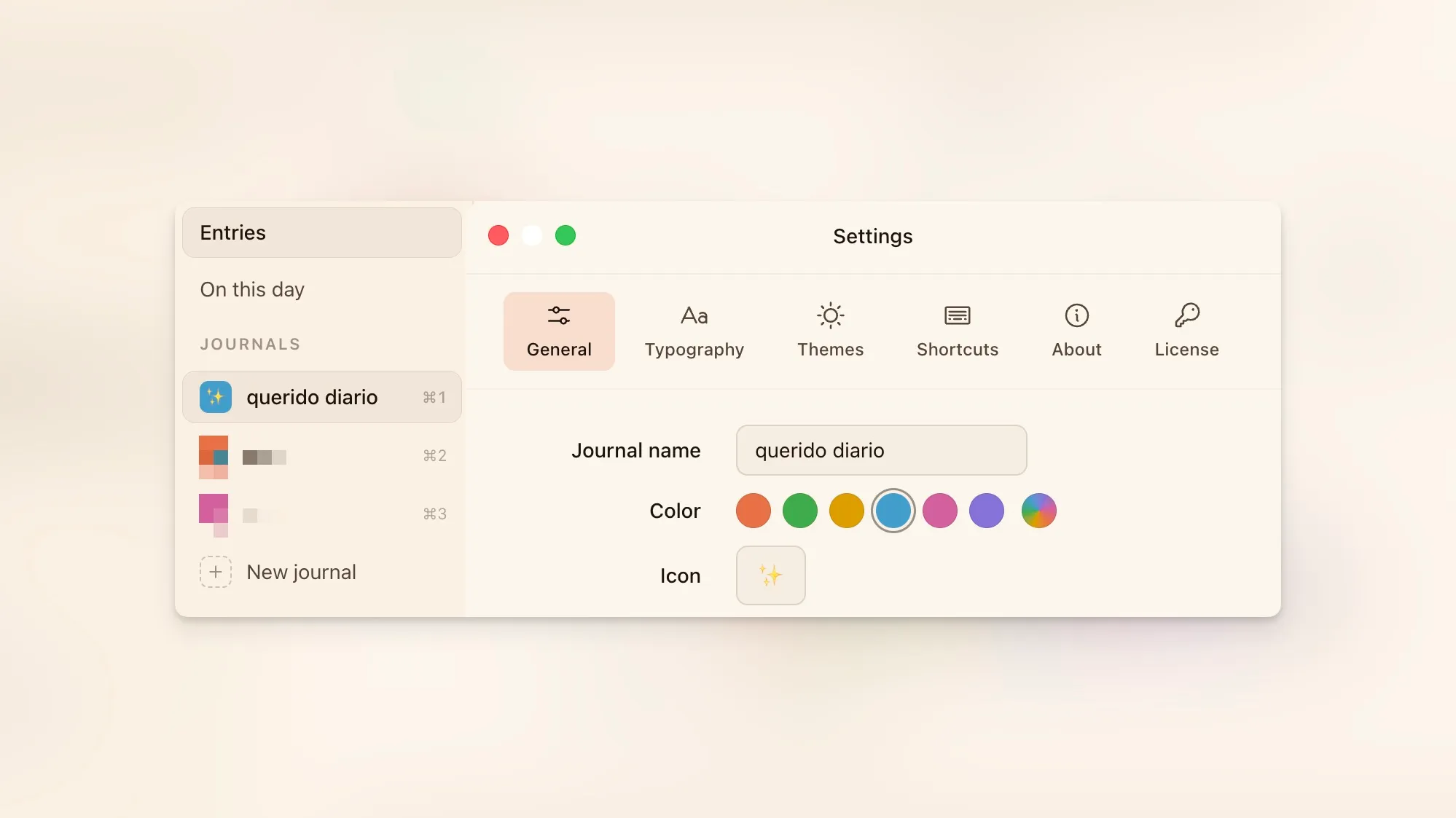
- Jot a quick note from the menu bar. A small flower icon lives in your menu bar (macOS) or system tray (Windows). Click it and a panel drops down: a text area, a journal picker showing each journal’s color and emoji, and a Save button. Hit ⌘↵ (Ctrl+↵ on Windows) and the note goes into today’s entry in whichever journal you picked. If today’s entry already exists the note gets appended; otherwise Cozy creates it.
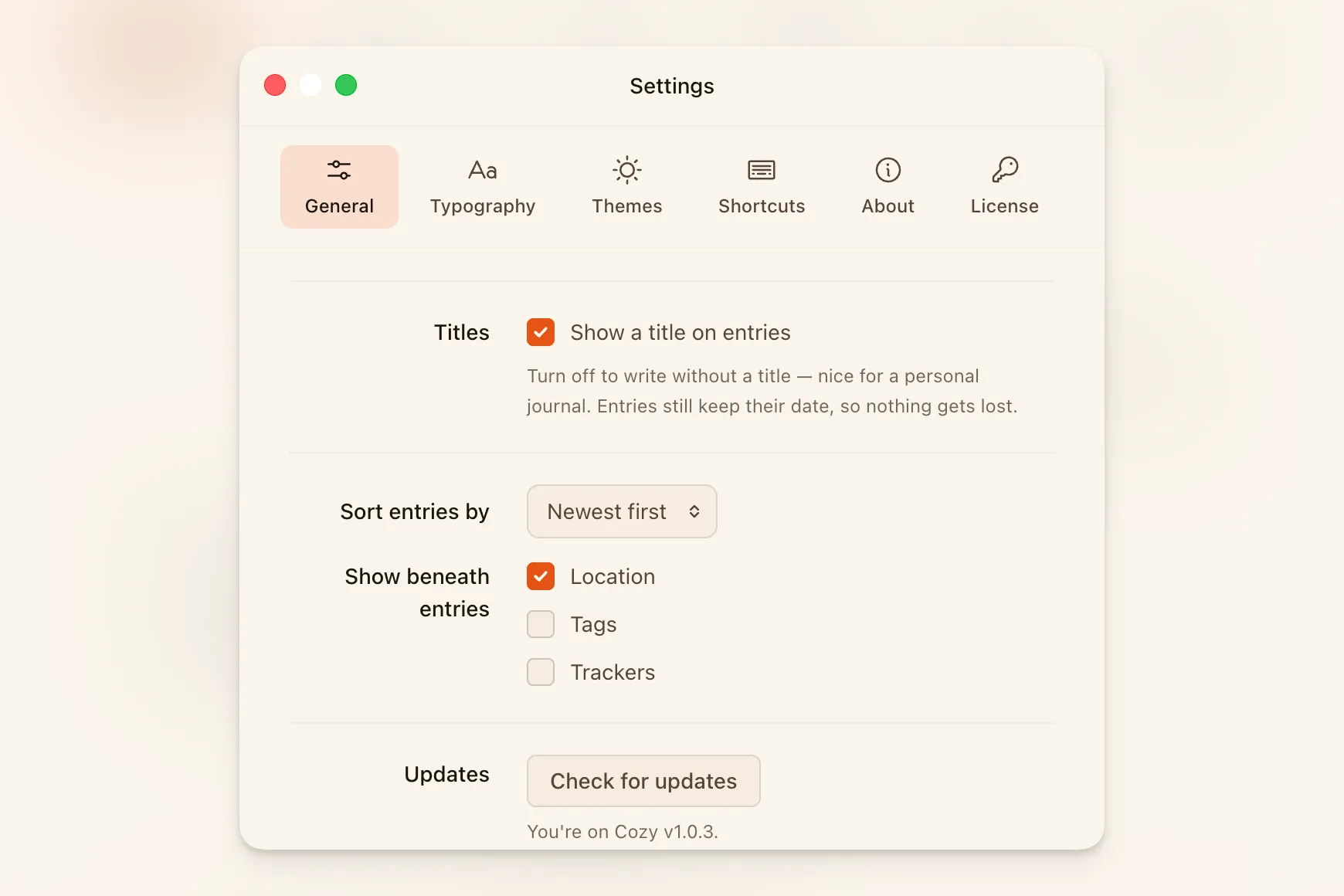
- A global shortcut opens the panel from anywhere. ⌘⇧C (Ctrl+Shift+C on Windows) toggles the quick-entry panel even when Cozy isn’t the frontmost app. You can change the shortcut or turn the feature off entirely in Settings → General → Quick entry.
- Closing the window no longer quits Cozy on macOS. The Dock icon hides instead, so the menu bar icon stays put and quick entry still works. The Dock icon comes back when you open a window again.
Improvements
- Tags are easier to add. The tag picker now has a dedicated search box to find existing tags and a + button to create a new one — no more guessing whether to type or click. Tags with no entries are removed from the list automatically.
- The map can fill the screen. A small expand button sits in the corner of the map panel. Click it and the map takes over the full window so you can see where everything is. Press Escape or click the button again to go back. Clicking a single-entry pin opens that entry and collapses the map. Tapping a cluster keeps the map open and slides up a list of nearby entries to pick from.
- Photos fade in instead of snapping into place. Images in the editor ease in as they finish loading rather than popping into the layout.
- Images have soft rounded corners. A 6 px radius on photos matches the rounded feel of the rest of the interface.
- Gallery photos lift slightly on hover, hinting they’re interactive. Double-click to open them in the lightbox.
- A lone photo in a gallery spans the full width, instead of sitting in a narrow half-column with empty space beside it.
- Writing Mode and Sidebar are grouped together in the View menu.
- The sidebar toggle button is in the right place on Windows, sitting in the title bar strip instead of floating over the search box.
- Cozy opens on Windows even when the settings file is briefly locked by antivirus or OneDrive. It retries a few times and, if the file stays locked, runs from the last-known settings so the session still works.
Bug Fixes
- The navigation rail stays where you left it. Collapsing it and relaunching Cozy used to open it back up every time.
- ⌘\ hides the navigation rail, not the entry list. It was toggling the wrong panel and could leave you with no way back to the list if you were already in writing mode.
- A video that can’t load shows a play badge instead of a blank box. YouTube and Vimeo embeds now stay legible offline; the real player takes over the moment you’re back online.