
Hello!
I’m happy to be back here.
First, thank you again to my first users. If you’re one of them, thank you for the support and for trusting me. I want to build a journal app that’s actually good to write in, and beyond the money, you’ve sent me feedback I’m slowly working through because it matches what I want Cozy to be.
Enough of that. Here’s what I’ve added to Cozy over the last few weeks.
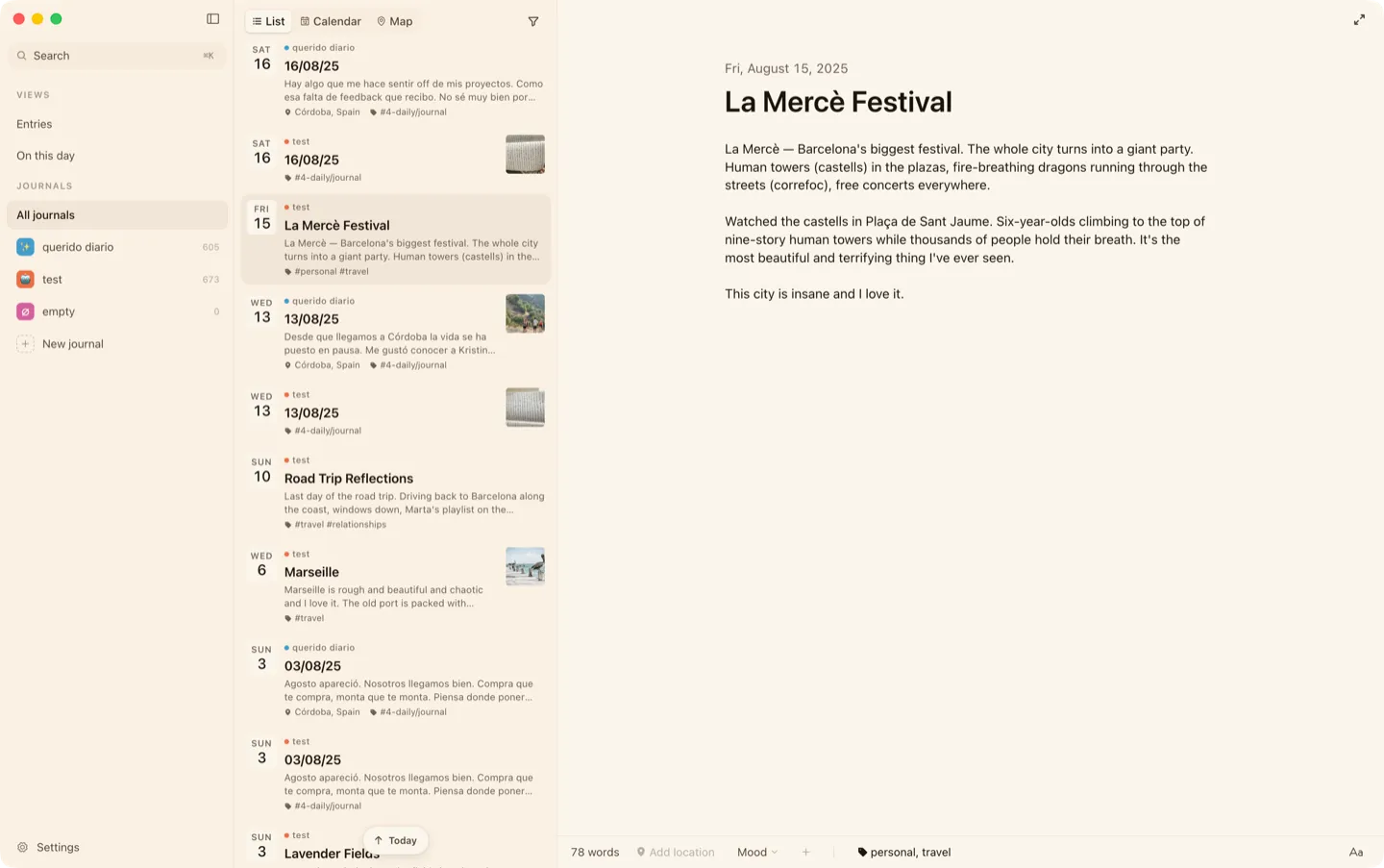
See all your journals at once
Once you have more than one journal, an “All journals” row appears at the top of the list. This gives you an overview of everything you’ve written, and lets you search and filter to easily find what you’re looking for.
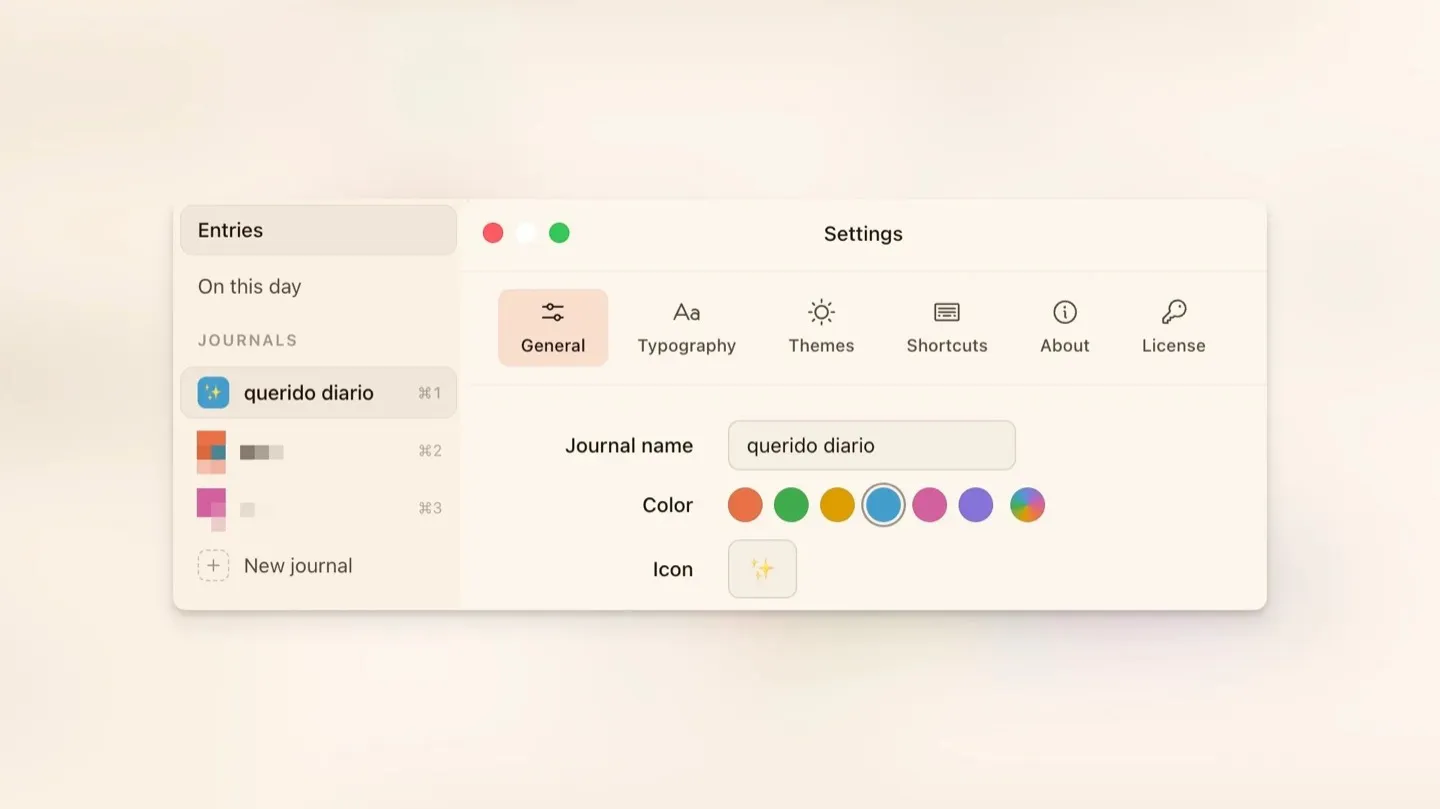
Customize your journals
You can now customize your journal a little more (more on this to come). For example, you can add emojis to help you tell which journal is which.
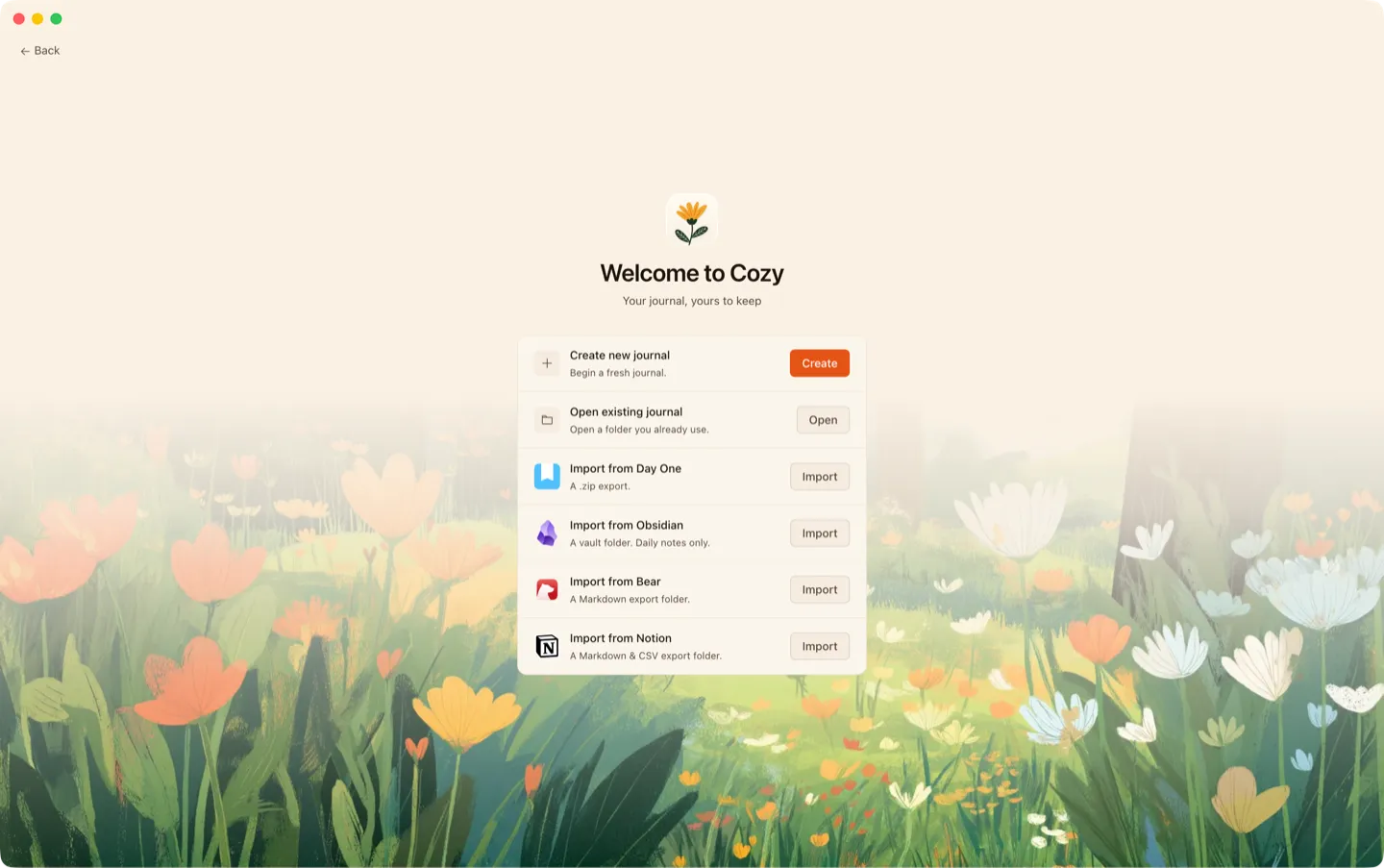
Import from Notion
There’s nothing more to say. If you were using Notion for journaling, you can now import from it.
Customize what shows beneath each entry
You can now choose whether location, tags, or trackers appear below the title in your entry list.

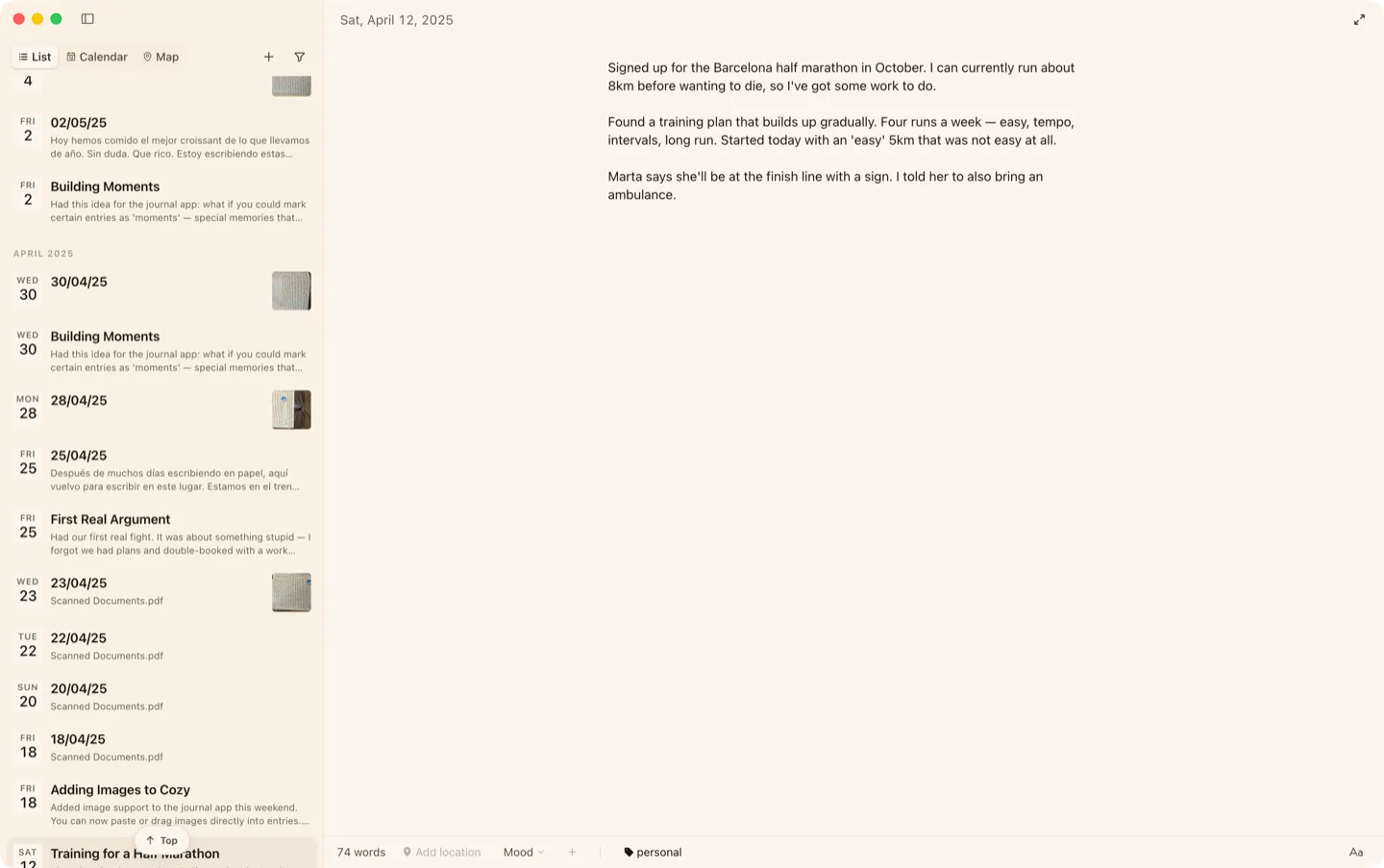
You can hide the sidebar now
If you want more room, you can now hide the sidebar to give yourself extra space for writing. After all, writing is the most important part of the app.

Write without titles
If you don’t want to deal with titles and only care about the content, there’s an option in the settings menu to turn the title off. This only applies to your current journal, so you can do it for the journal you need (or for all of them).
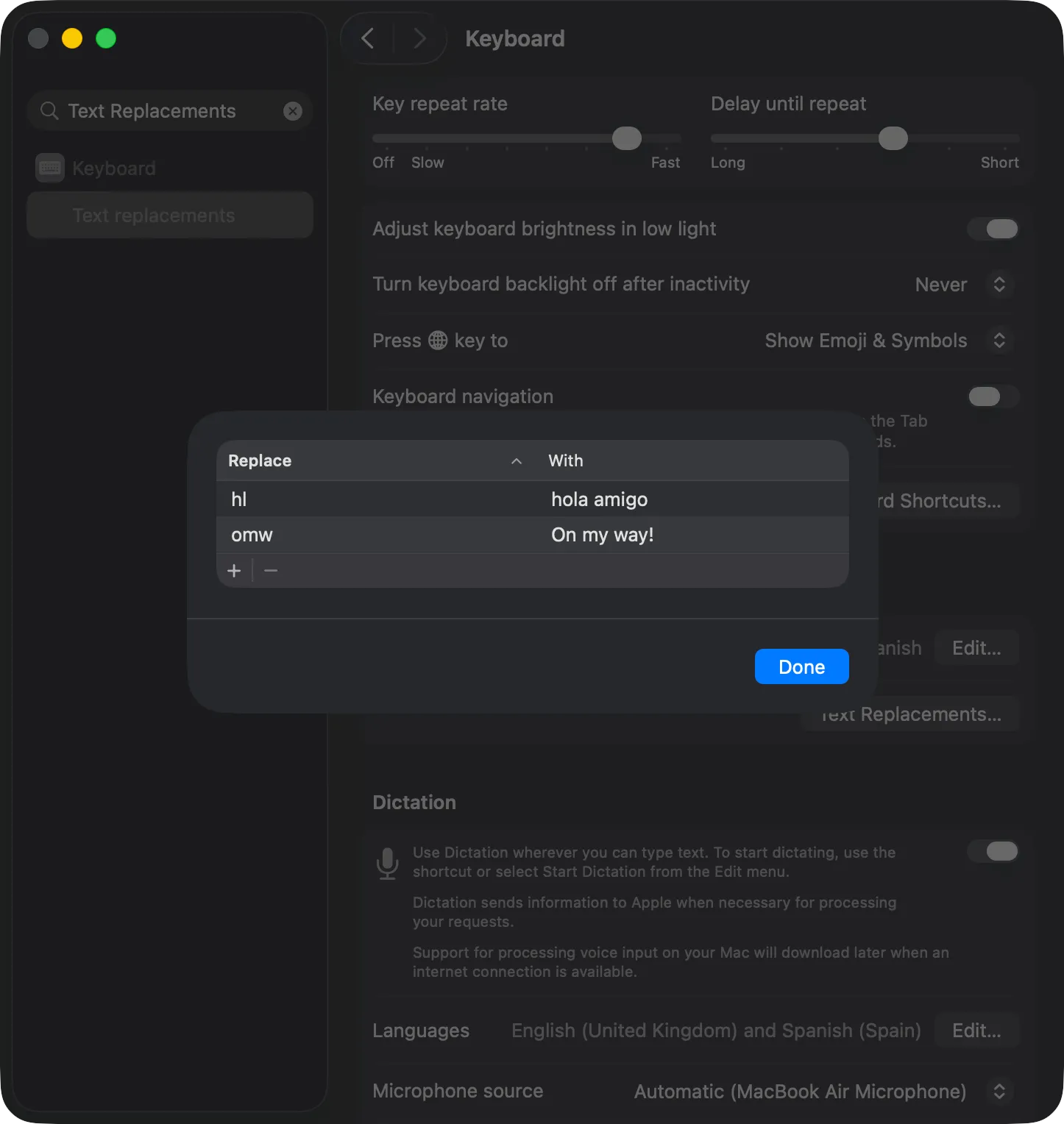
Your macOS text shortcuts now work in Cozy
Cozy now expands whatever you’ve set up in System Settings > Keyboard > Text Replacements as you type.
That’s all for now. If you want to find out about other things I’ve worked on, you can always check the changelog, where I share everything, or the docs.
If you have any questions or feedback, please let me know. I’m all ears.
Happy journaling,
Alberto