
Update, 1 October 2026: the prices in this post have changed. Current pricing.
Another month has passed, and here I am again.
Not long ago, I told you that Cozy was in beta and that it would stay free until the beta ended.
Well, that moment has finally arrived.
Once you update the app to version 1.0.0 (you can choose not to if you’d like to keep testing it for a little longer), you’ll be asked for a license.
So I wanted to stop by and explain how you can get one.
How do I get a license?
As I mentioned in previous entries, if you joined this newsletter, you’d receive a special discount once the beta ended. So instead of paying Cozy’s $35 launch price, you’ll pay just $19.99.
With this special license, you’ll get a few extra benefits:
- A lower price. That’s the obvious one.
- Lifetime updates. Regular licenses are tied to a major version. For example, a 1.0 license includes all 1.x updates, but when Cozy 2.0 is released, you’ll be able to decide whether to stay on 1.x or buy a new license. With your special license, you’ll receive all future updates at no additional cost.
- Use Cozy on as many devices as you own, on both Mac and Windows.
And just like everyone else, you’ll have 14 days to try it out. If it isn’t for you, simply send me an email at [email protected] and I’ll refund you as soon as I read your message.
I said Windows for a reason
I mentioned in earlier emails that I was planning to release only the Mac version. However, after a few small tweaks to the Windows version, everything seems to be working well. So, fingers crossed, I’m launching this version as well.
The only thing to keep in mind with the Windows version is that the first time you launch the app, you may see a blue Windows security screen. If that happens, just click “Run anyway”, or go to “More info” and then “Run anyway” if it doesn’t appear directly.
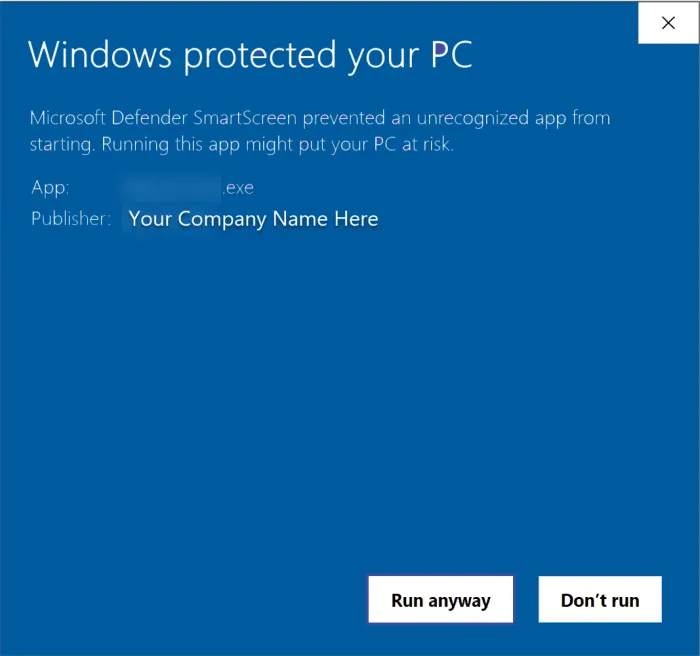
That’s it. No more blue screens. Although I might create a blue theme for Cozy someday. Who knows.
Miscellany
Now that I’ve covered the most important information, here are a few links you might need.
- If you’re new to Cozy and want to test it before adding any payment details, you can download the previous version. It will stay available for a while.
- If you want to buy the app but don’t have it installed yet, you can go to the downloads page, choose your platform, and download the latest available version.
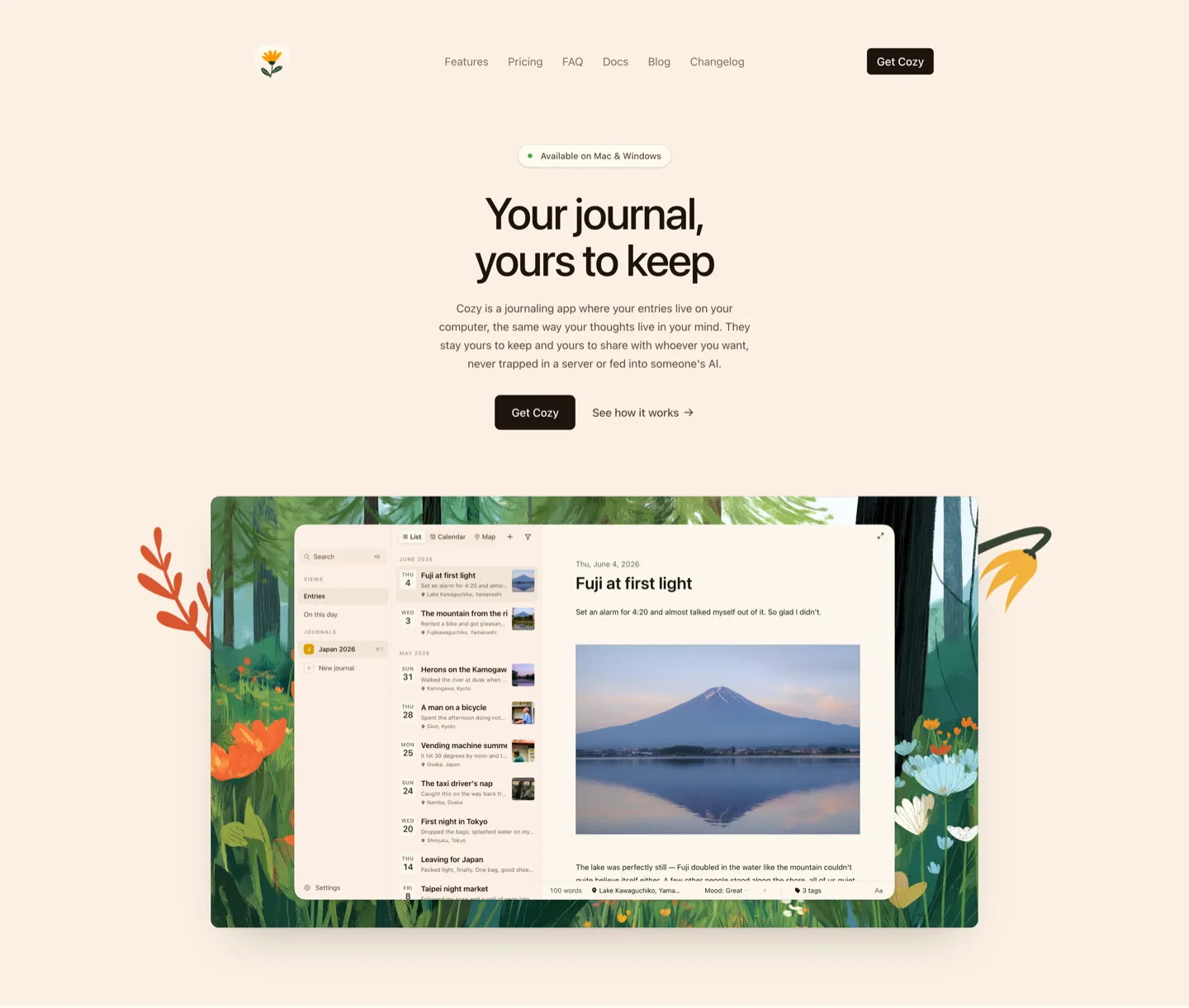
- If you’d like to take a look, I’ve created a new landing page where you can explore some of Cozy’s features, as well as a dedicated documentation page that explains everything in the app in more detail.
If you have any questions or feedback, please let me know. I’m all ears.
Happy journaling,
Alberto