
I wanted to publish this on September 21st, but Apple decided that it wasn’t a good idea. 😂
I’ve been waiting for around a month for Apple to finally approve the app, so today is finally the day!
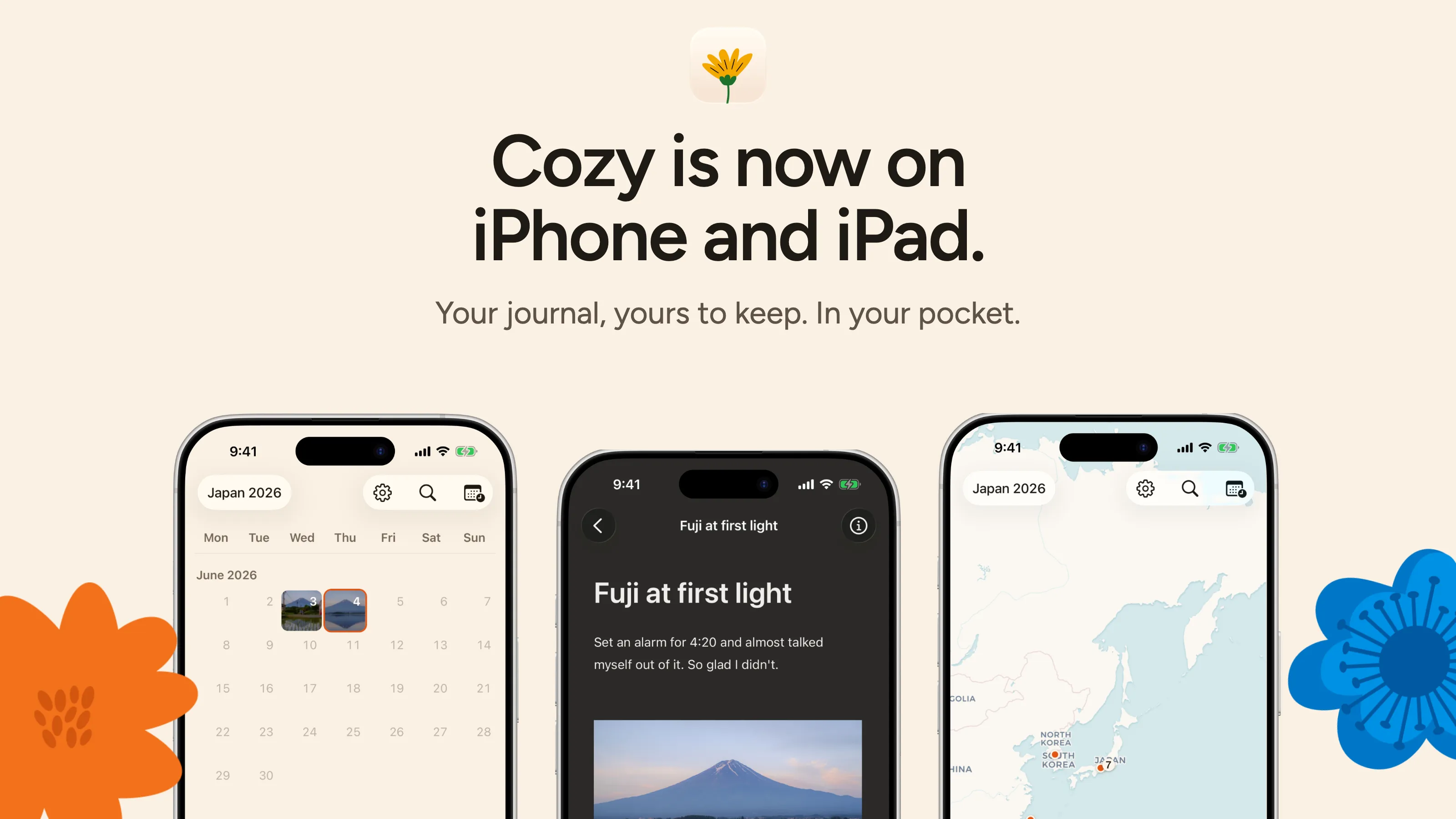
Cozy for iPhone and iPad is officially available on the App Store.
If you already bought Cozy
Your license covers the phone too, so the app is completely free for you. Here’s what you need to do:
- Download Cozy from the App Store.
- Open it, go to Settings, and tap “Already bought Cozy for desktop?”.
- Enter the email address you used to purchase Cozy.
- I’ll send you a 6-digit code. Enter that code in the app.
- Done!
If you haven’t yet
You can unlock the iPhone app on its own from inside the app, or get a license that covers every Mac, Windows PC, iPhone and iPad you own. Both are one payment, no subscription. See the prices.
One small favour
There’s one other thing I’d like to ask you, and it’s very important to me.
If you’re enjoying Cozy, I’m trying to make the business profitable, and one of the best ways you can help is by letting other people know about it. A review on the App Store would mean a lot to me.
Reviews help Apple understand that people are enjoying the app and can help Cozy reach more people.
It only takes a minute at most, and I’d be incredibly grateful. ❤️
That’s it for now! Please let me know if you have any problems or questions.
Best, Alberto