
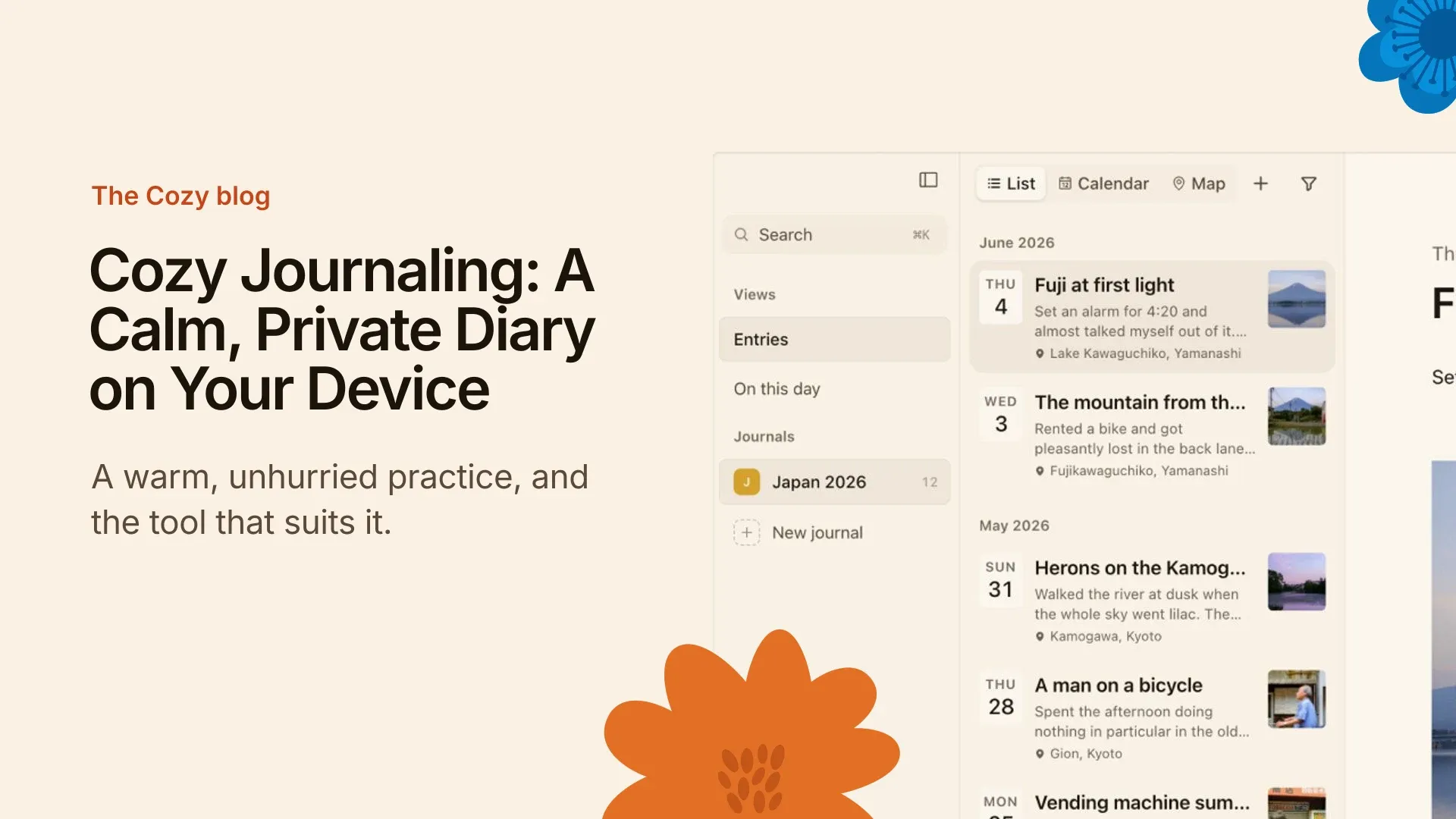
Cozy journaling is a writing habit built around comfort and privacy: a quiet time, a page that feels like yours, and nobody looking over your shoulder. It can be paper or a screen. I made Cozy, a journal app that keeps everything on your own device, for exactly this kind of practice.
I’ve kept a journal since 2019, and the entries I return to are never the polished ones. They’re the small, warm ones, written at the end of an ordinary day.
How cozy journaling works with Cozy
It is three steps, and none of them asks for an account.
- Open the app. The page is quiet and warm, and there is nothing to set up before you write.
- Write. One sentence is enough. The page is a distraction-free place to write, so the only thing on it is your entry.
- Close it. Every entry is saved as one of your own files, on your own disk. It opens without Cozy, so it is yours whatever happens to the app.
That is private journaling in the plain sense: the entry never leaves your device.
What makes a journaling app cozy?
For me, four things. Each one removes a small worry, and the worry is what stops you from writing.
- No subscription. You buy Cozy once. There’s no monthly bill hanging over a journal you meant to keep for years. See the journaling app with no subscription.
- No AI reading your entries. There is no AI in Cozy. Nothing you write is read, trained on or sent anywhere. I explain why in why Cozy doesn’t have AI.
- Your own files. A journal should outlast the app that wrote it. Yours to keep shows what that means in practice.
- A calm page. Coziness comes from colour, space and a lack of noise, not from decoration.
Cozy journaling compared with other tools
Cloud journaling apps can feel like renting a room. Your entries sit on someone else’s server, and the terms can change. A paper notebook is yours, but it can be lost or left in the rain, and you can’t search it.
A local journal app sits between the two: the convenience of a screen, with the ownership of a notebook. If you are leaving another app, Cozy imports from Day One. Several computers can share a journal through an iCloud or Dropbox folder, and the iPhone uses iCloud Drive.
A small cozy journaling routine
If I were starting tonight, I’d keep it this plain:
- Same time, same spot. Evenings work for me, but a slow morning works too. The place does half the job.
- Three lines. What happened, how it felt, one thing I’d like tomorrow. Stop there.
- No catching up. Skipped a few days? Write about today. A journal isn’t a ledger you owe.
- Read it later, not now. Old entries are warmer after a few months. Read them then.
None of this needs a special notebook or a special app. It needs a page you trust, which is why privacy sits so close to the idea of cozy.
Try cozy journaling
Cozy runs on Mac, Windows, iPhone and iPad. You buy it once, with no account. The download page has everything you need to start, and the first entry can be a single line about today.
Questions about cozy journaling
What is cozy journaling?
Cozy journaling is a calm, private way to keep a journal. You write in a comfortable place, at an unhurried pace, with no pressure to perform or share. It is less about the tool and more about the feeling: a page that is yours and a habit that is gentle.
How do I start cozy journaling?
Pick one time and one place, then write one sentence about today. Keep it small so it survives a bad week. A cup of tea and a quiet corner help, but they are optional. The habit matters more than the setting. My longer guide is how to start journaling.
Can I do cozy journaling digitally?
Yes. A journal app can be as warm as a notebook if it stays out of your way. Choose one with a calm page, no pop-ups and no account, so writing feels like opening a notebook and not like opening a feed.
Is there a cozy journaling app?
Yes, and I made one. Cozy is a journal app for Mac, Windows, iPhone and iPad. It has no AI, no account and no subscription, and every entry is one of your own files on your own disk. The page is quiet by design.
How do I keep my cozy journal private?
Keep it on your own device, in an app with no account and no cloud copy you did not choose. Cozy stores entries as your own files on your disk, and nothing you write is read or sent anywhere. Paper works too, if you keep the notebook somewhere safe.
What’s the best cozy journaling app for beginners?
The best one is the one you’ll open tomorrow. For a beginner I would look for a blank page that is easy to start, no setup and no subscription, so there is nothing to feel behind on. Cozy is built that way, but try any app for a week before you decide.
Can I try cozy journaling for free?
You can start without any gear: a paper notebook costs almost nothing, and the habit is the same. For the app, yes: download Cozy and you get 7 days free. On Mac and Windows it starts with your first entry, with no account or email. On iPhone you start it from the app. Every license also has a 14-day refund.