
A dream journal app helps you write down a dream the moment you wake up, so you remember more of it and start to see patterns. Many of them also offer AI that “interprets” the dream. You can skip that part: a private journal where the entries stay your own files, and nothing reads them, does the main job just as well.
Why keep a dream journal at all?
Dreams fade fast. Most of a dream is gone soon after waking, and the details you thought you would never forget are the first to go.
Writing it down does a few things:
- You remember more. Reaching for the dream each morning trains you to hold on to it.
- You see patterns. The same place, the same person, the same feeling, showing up across weeks.
- You get a quiet moment of self-reflection before the day starts.
- It helps if you are curious about lucid dreaming. I make no promises about results, but a record of your dreams is where people usually begin. I wrote up how to start a lucid dreaming dream journal privately.
It is also an odd kind of writing. Half-formed, a bit embarrassing, sometimes about people you know. That is exactly why who can read it matters.
What makes a good dream journal app?
Start with the practical things:
- Fast capture. You are half asleep. The app should open to a blank page, ready to type.
- Dates and a way to find things. A dream from three weeks ago is only useful if you can find it.
- Room for the odd stuff. Some dreams are a sentence. Some are a page. Some you want to sketch.
- The devices you use. A phone by the bed, a computer for the longer write-up.
Then the questions that most “best dream journal apps” lists skip:
- Who owns the entries? If they sit in an app’s database, they are the app’s to keep, change or lose. If they are your own files on your own disk, you can open them in ten years without the app.
- Who can read them? A dream diary holds your fears and your odd thoughts. Read the app’s policy before you write anything.
- How is it paid for? A subscription means your journal depends on a bill. A one-time purchase does not.
The problem with AI dream analysis
The pitch is attractive: write your dream, tap a button, get a meaning.
But look at what has to happen. To interpret a dream, the app has to read it and run it through a model. That means your dream leaves your phone and goes to a server. Some apps say what happens to it afterwards. Some say very little.
And the result is a guess. A dream does not mean what a model says it means. You are the only one who knows what that house, that person or that stairwell is about for you. A confident reading can also get in the way of your own.
So the choice is simple. Do you want an algorithm reading your dreams, or do you want a place where they are only yours? There is no wrong answer, but it should be a choice you make on purpose.
A simple, private alternative
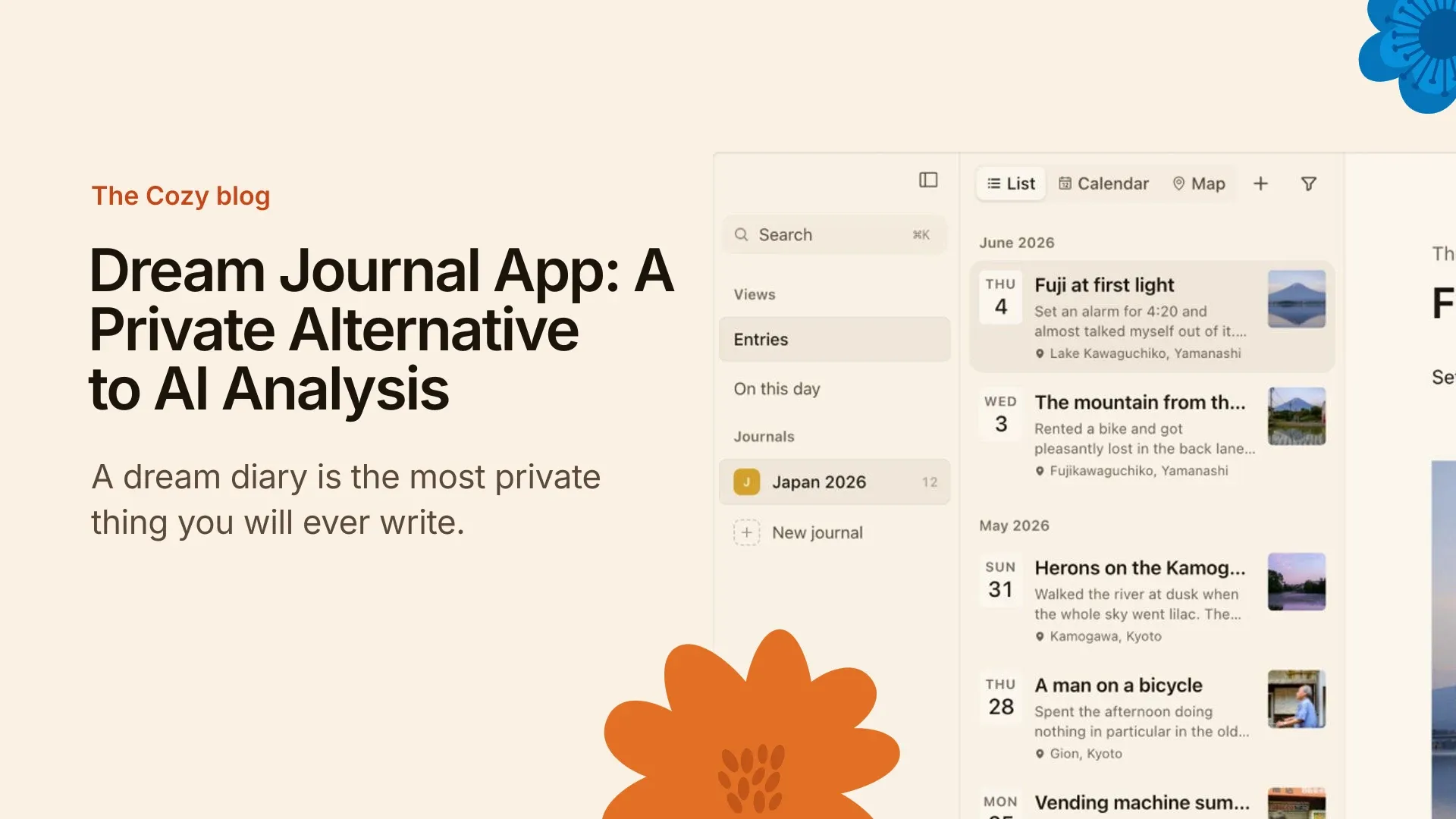
This is what I wanted, so I built it. Cozy is a journal app for Mac, Windows, iPhone and iPad. Every entry is a file on your own disk, readable without Cozy. There is no AI in it. Nothing you write is read, trained on or sent anywhere.
For a private dream journal, the routine is plain:
- Wake up. Don’t check your phone’s other apps.
- Open Cozy and write what you remember, in whatever order it comes.
- Close it. Read it again in a week.
You can share a journal between computers through an iCloud or Dropbox folder, and the iPhone uses iCloud Drive. There is no account to create and no subscription. If you want to know why I left AI out on purpose, I wrote that down in why Cozy doesn’t have AI.
Common mistakes when choosing a dream journal app
- Choosing by AI features. The interpretation is the part you can replace with your own thinking.
- Skipping the privacy policy. Open the privacy policy of any app you try, before you write a dream you would not say out loud.
- Ignoring what happens in five years. Apps shut down, change owners and go subscription-only. Your entries should survive that.
- Too many fields on day one. Mood, tags, rating, lucidity. You will stop by Thursday. A date and a blank page are enough to start.
Frequently asked questions
What does a dream journal look like?
Mostly short entries, dated, written fast. A line or two for a faint dream, a page for a vivid one. Some people add a sketch. It does not need to be neat or make sense.
What is the best app for interpreting dreams?
I would ask a different question: do you want your dreams interpreted by a model at all? Interpretation means sending your writing to be analysed. A private journal keeps the dream with you, and the meaning stays yours to find.
Does keeping a dream journal help with lucid dreaming?
Many people who practise lucid dreaming start with a dream journal, because it trains you to notice and remember your dreams. I can’t promise it will work for you, but it is a low-effort place to begin.
What’s the fastest way to record a dream?
Have the journal open and ready before you sleep, and write the moment you wake, before you get up. Write fragments first and tidy later. If you use your phone, keep it within reach.
Can I use a regular journal app for dreams?
Yes. A dream is just an entry. A good journaling app with dates, search and no tracking will do, and you keep all your writing in one place.
If a quiet place for your dreams sounds right
If a private, no-AI journal for your dreams sounds like what you want, Cozy is built on that idea. The no-AI journal is not a setting you switch on. It is the product. The same goes for a pregnancy journal, another record you would rather keep private.