
Choosing an iPad Journal App: Privacy, Pencils, and Your Own Files
Three routes to a journal on your iPad, and what each one costs you.
On this page
The best iPad journal app depends on what you value. Apple Journal is free and built in. Day One and Diarly are third-party apps that suit other needs, handwriting for one. If you want your entries private, bought once and kept as your own files, with no AI reading them, that is the job Cozy does. For the wider comparison, see the best journaling app guide.
I make Cozy, so weigh my words with that in mind. I will say what the other two routes do well.
The iPad as a journal
An iPad is a good place to write. The screen is big enough to read an old entry without squinting. You can type on a keyboard or write by hand with an Apple Pencil. It sits on the sofa or on the kitchen table without fuss.
That freedom makes the app choice matter more. A journal is something you will want to keep for years, and the app decides where it lives.
Your three main choices for iPad journaling
The built-in option: Apple Journal
Apple’s app is called Journal. It is free. Apple launched it on the iPhone first, and the iPad came later. If you cannot find it on your iPad, check that your software is up to date.
It suggests things to write about from your photos, workouts and places. Entries sync through iCloud and are tied to your Apple ID. You can export them as a ZIP file, but it is a step you have to remember. It runs only on Apple devices. I wrote a longer review of Apple’s journaling app if you want the details.
Pick it if you only use Apple devices and want something free to try.
The handwriting and subscription route
Day One is a yearly subscription. Diarly has its own page on journaling on an iPad. Look there if you want to write with the Apple Pencil, and check each app’s site for what it supports and what it costs today.
The trade-off is the same for most of these apps. You pay on a schedule, and your journal sits in the app’s own storage. If the price or the rules change, you feel it.
Pick this route if handwriting is the main thing and you are fine with paying over time.
The private, local alternative: Cozy
Cozy is a 100% local journal app for Mac, Windows, iPhone and iPad, made by one person. That is me, Alberto. It has no AI in it. Nothing you write is read, trained on or sent anywhere.
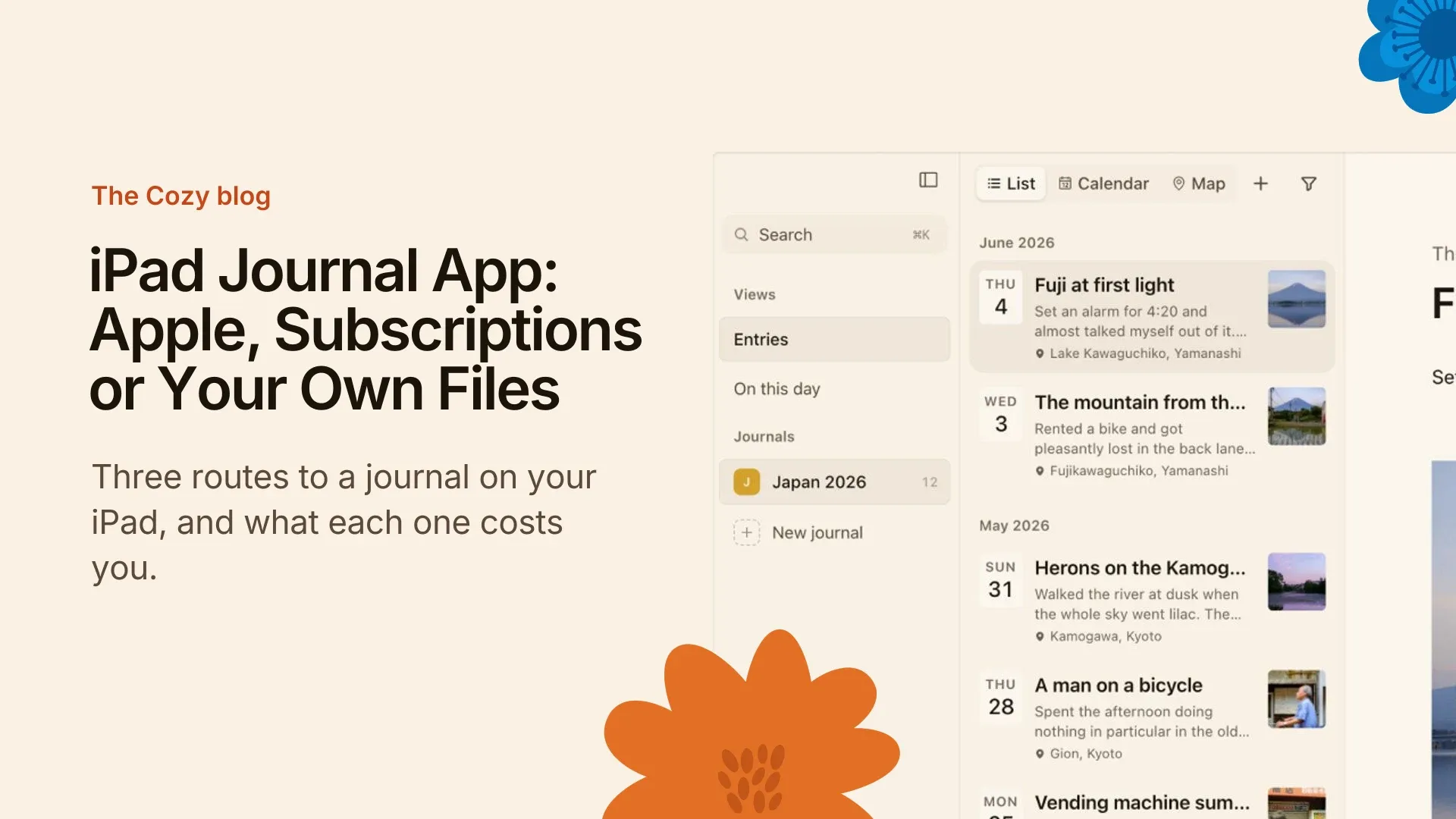
Your entries are your own files on your own disk, and you can read them without Cozy. It is bought once, with no account and no subscription. Cozy runs on the iPad at iPad size, as one app for iPhone and iPad. Your journal reaches it through iCloud Drive. The story of the iPhone release is in Cozy for iPhone is on the App Store.
Here is the limit. I do not claim Apple Pencil support. If handwriting is what you came for, start with the other two routes.
If you are leaving Day One, Cozy can import from it. Moving your Day One journal to Cozy walks through the steps.
What to look for, beyond the Pencil
Before you pick a free journal app for iPad, or a paid one, ask three questions.
Where is my data stored? Some apps keep it on their servers. Some keep it in your iCloud. Some keep it as files on your device. Where it lives decides who can read it.
What does it cost over time? A subscription is a bill with no end date. A one-time purchase is a single decision.
Can I take my entries with me? If the app stores your entries as your own files, you can open them anywhere. If not, you depend on an export button working.
A common mistake: features over future-proofing
People pick an app for one feature, like a pen tool. Then the price changes, or the company drops the app, and the journal is stuck inside.
Your journal outlives your tablet. Choose an app that lets you leave with your writing intact. A nice pen is easy to replace. Ten years of entries are not.
The short answer
Try Apple Journal first if you want free and live in Apple’s world. Try a handwriting app if the Pencil matters most. Choose a journal app that stays on your device if you want your writing private and your own, and read why I built Cozy that way.
FAQ
Is there a free journal app for iPad?
Yes. Apple Journal is free and comes from Apple, with no subscription and no paid tier. It runs on iPhone and iPad, and on the Mac since macOS 26. Many third-party apps are free to download but charge for the full version.
How do I get the Apple Journal app on my iPad?
Journal is a free Apple app. Search for it in the App Store on your iPad, or look in your apps if it is already there. Apple added it to the iPad after the iPhone, so if it is missing, update your iPad’s software first.
What is the best iPad journal app for Apple Pencil?
It depends on the app. Look at apps that say they support the Pencil, such as Diarly, and check their sites for the current details. I do not claim Apple Pencil support for Cozy, so it is not the pick for handwriting.
Can I use a journal app on both my iPad and iPhone?
Yes. Apple Journal syncs through iCloud. Cozy is one app for iPhone and iPad, and both open the same journal folder in iCloud Drive.
Why would I choose a paid journal app over a free one?
Because the price buys you something. With Cozy it is a one-time purchase, no AI, no account, and your entries kept as your own files. A free app can be a good start, but check where your entries live and how you would leave.