

Update, 1 October 2026: the iPhone app is on the App Store now, at a different price than this post says. Current pricing.
Hi there!
This month I’ve been focused mainly on the mobile app, which I’ll be releasing very soon in beta. The beta will be free for anyone who wants to try it, and later it will be available for a one time payment of $19.99.
For now, I’m only releasing it on iPhone. After that, I’ll test whether I can bring it to iPad without too much extra work, and later on I’ll look into an Android version.
With that out of the way, here are some of the other things I’ve been working on in Cozy this month besides the mobile app.
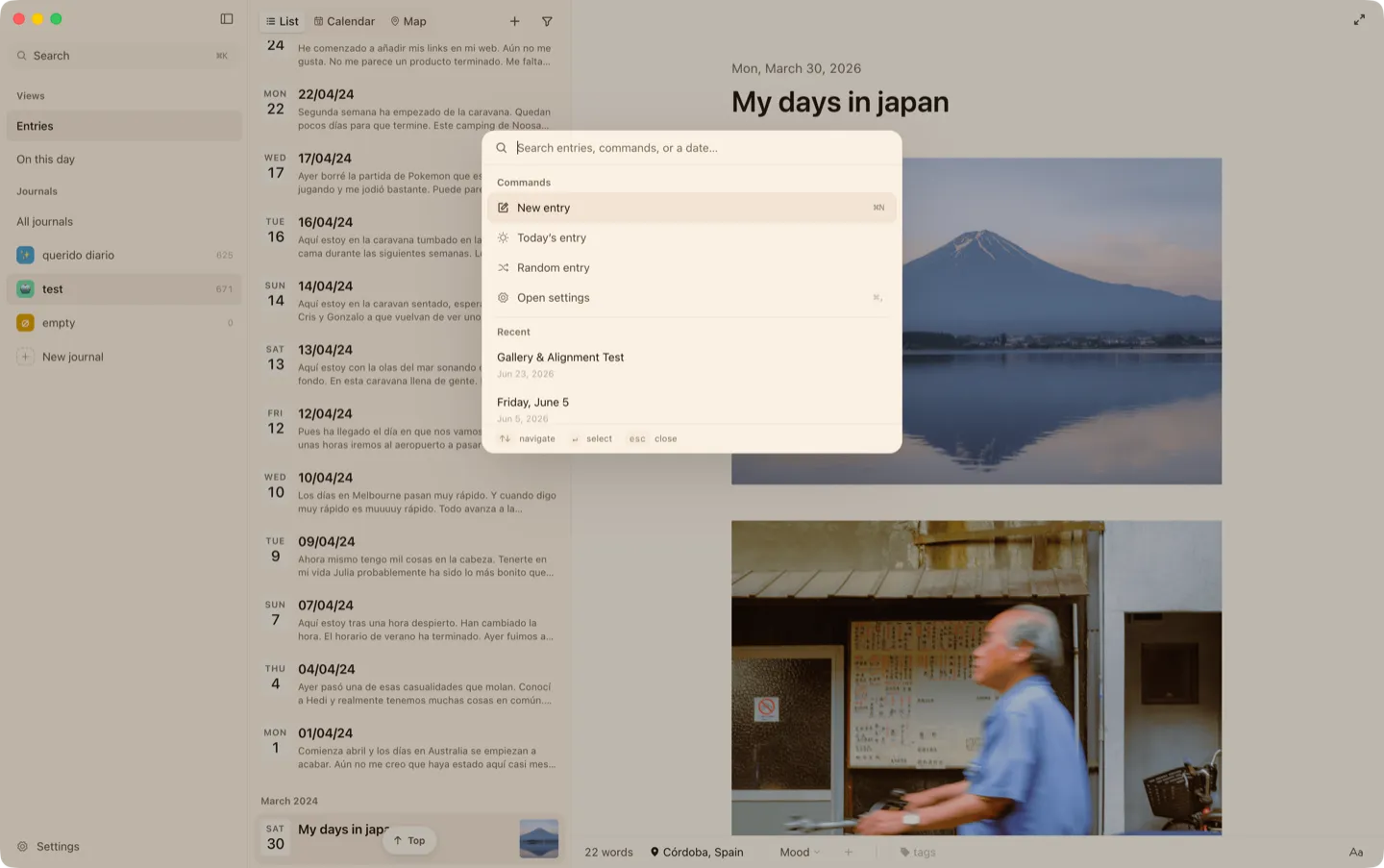
Reworking keyboard shortcuts and the command bar
You can now do many things in Cozy from the command bar and with keyboard shortcuts, if you’re the kind of person who prefers using the keyboard over the mouse. Some of the things you can do include:
- Insert a photo, audio, or video
- Log a tracker
- Add a tag
- Open a random entry
You can see all the available commands in the keyboard shortcuts section and in the command bar documentation.
Format without reaching for the toolbar
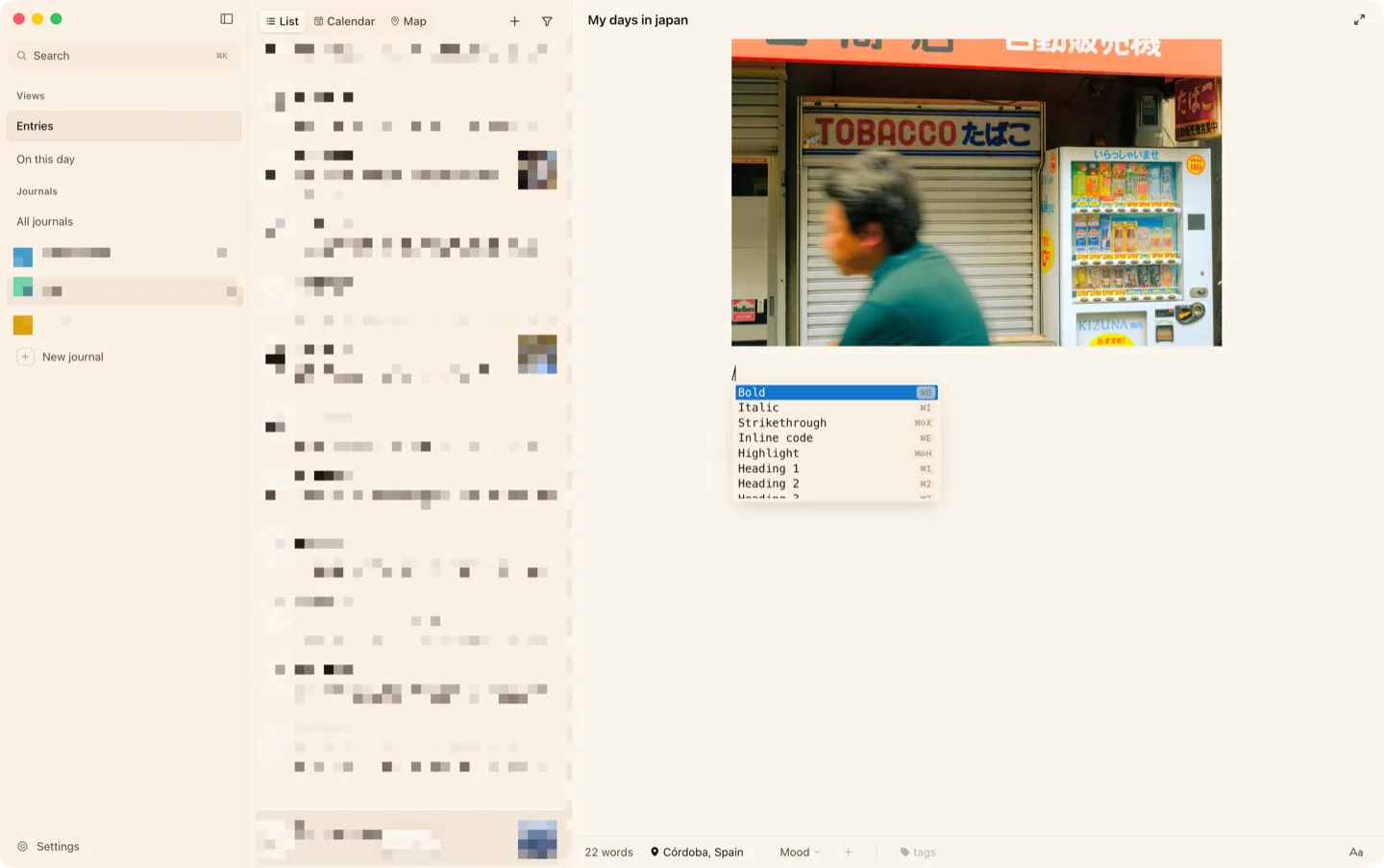
Similar to the previous one, but designed for those who struggle with Markdown.
I’ve added a simple slash command menu to the editor. While writing, you can type / to open a small menu right at your cursor with options like headings, lists, checklists, quotes, photos, and everything else you can add to an entry.
Journals in the cloud feel at home now
If your journal lives on iCloud, Google Drive, or a similar service, this month was for you.
Journals open just as fast online as offline, entries that haven’t downloaded to this computer yet still show their title, preview, and place on the map, and when you come back after writing somewhere else, Cozy catches up right away instead of making you wait.
How sync works in Cozy goes into the details.
Wrote on two devices at once? Both versions are kept
In preparation for the mobile release, synchronisation was a key feature to work on.
If you edit the same entry on two computers before your cloud sync catches up, Cozy now keeps both versions, with a small note so you know it happened. Nothing gets thrown away. You just pick the one you want, or keep both.
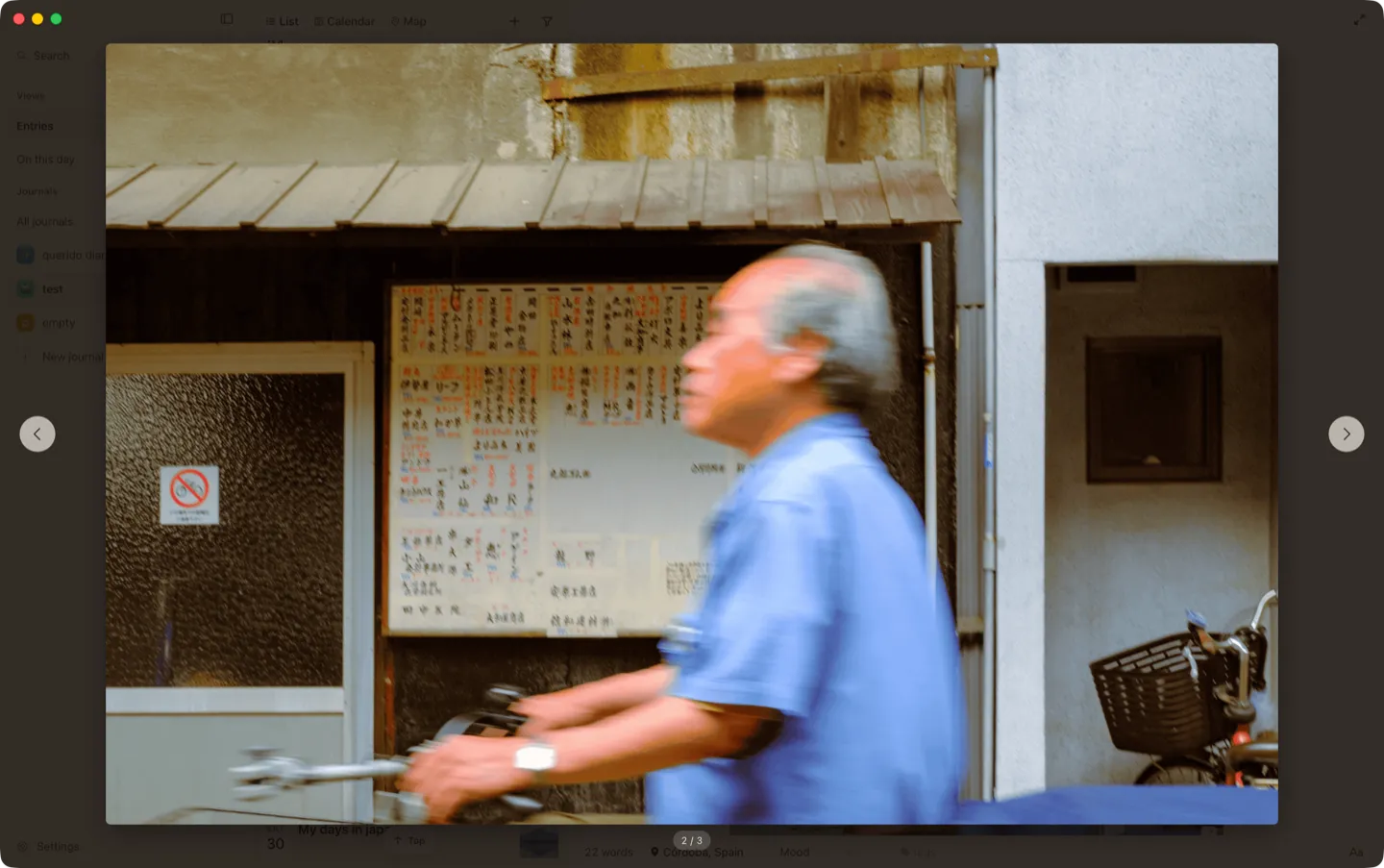
Step through your photos
Double-click any photo in an entry to see it big, then use the arrow keys to move through every photo in that entry, one by one. A small thing, but if you journal with photos, you’ll use it every day.
A couple of privacy switches
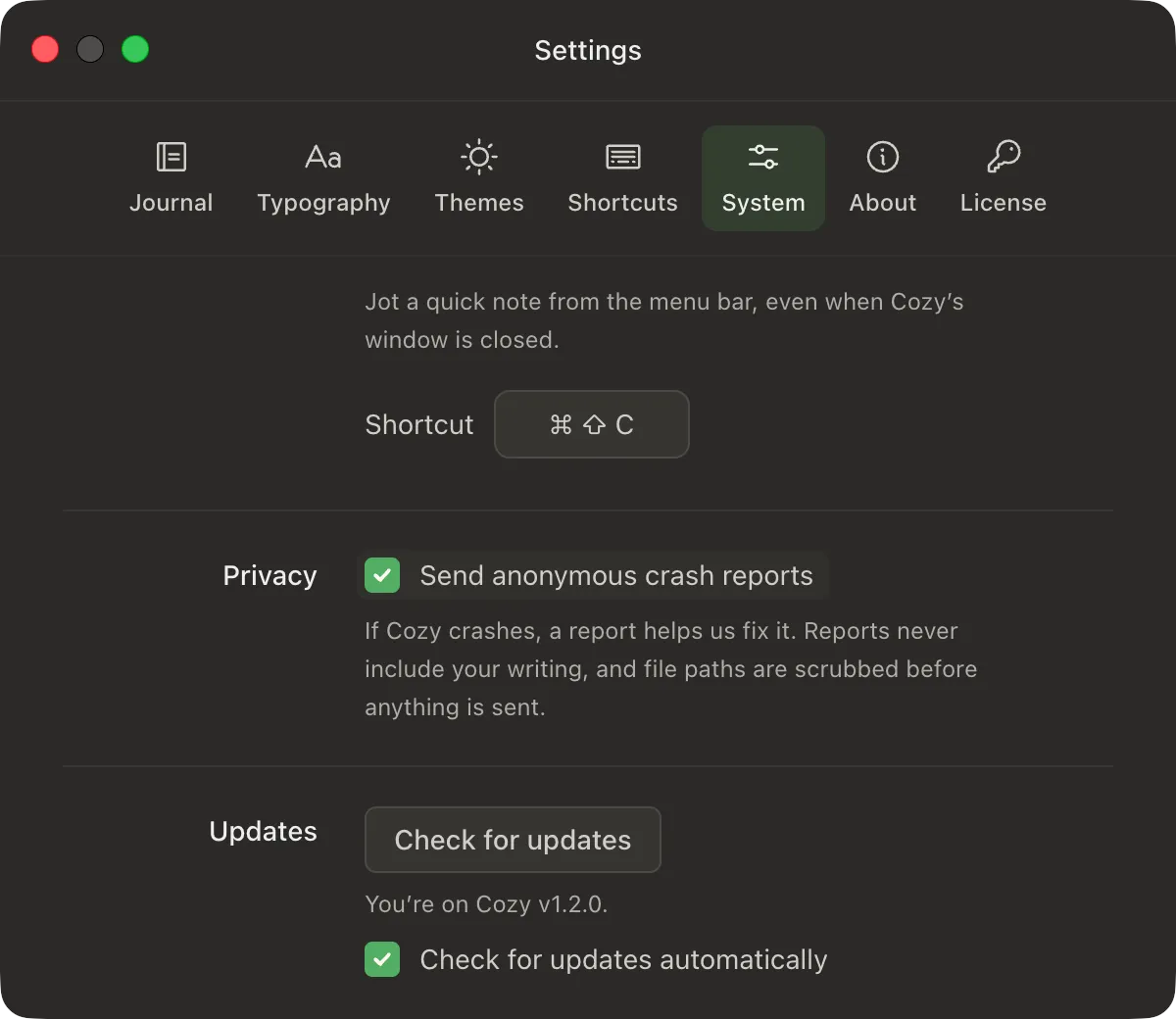
You can now turn off anonymous crash reports or automatic update checks in Settings.
Both help me keep Cozy healthy, so they’re on by default, but it’s your journal and your computer, so now it’s your call.
That’s all for now. If you want to find out about other things I’ve worked on, you can always check the changelog, where I share everything, or the docs.
If you have any questions or feedback, please let me know. I’m all ears.
Happy journaling,
Alberto
Missed the earlier round? What’s new on Cozy has the all-journals view, Notion import and the hideable sidebar.