
Photos, video & audio
An entry is more than text. Drop in a photo or several, a voice memo, a video from your computer, or a clip from YouTube — whatever made your day, so you can find it again later.
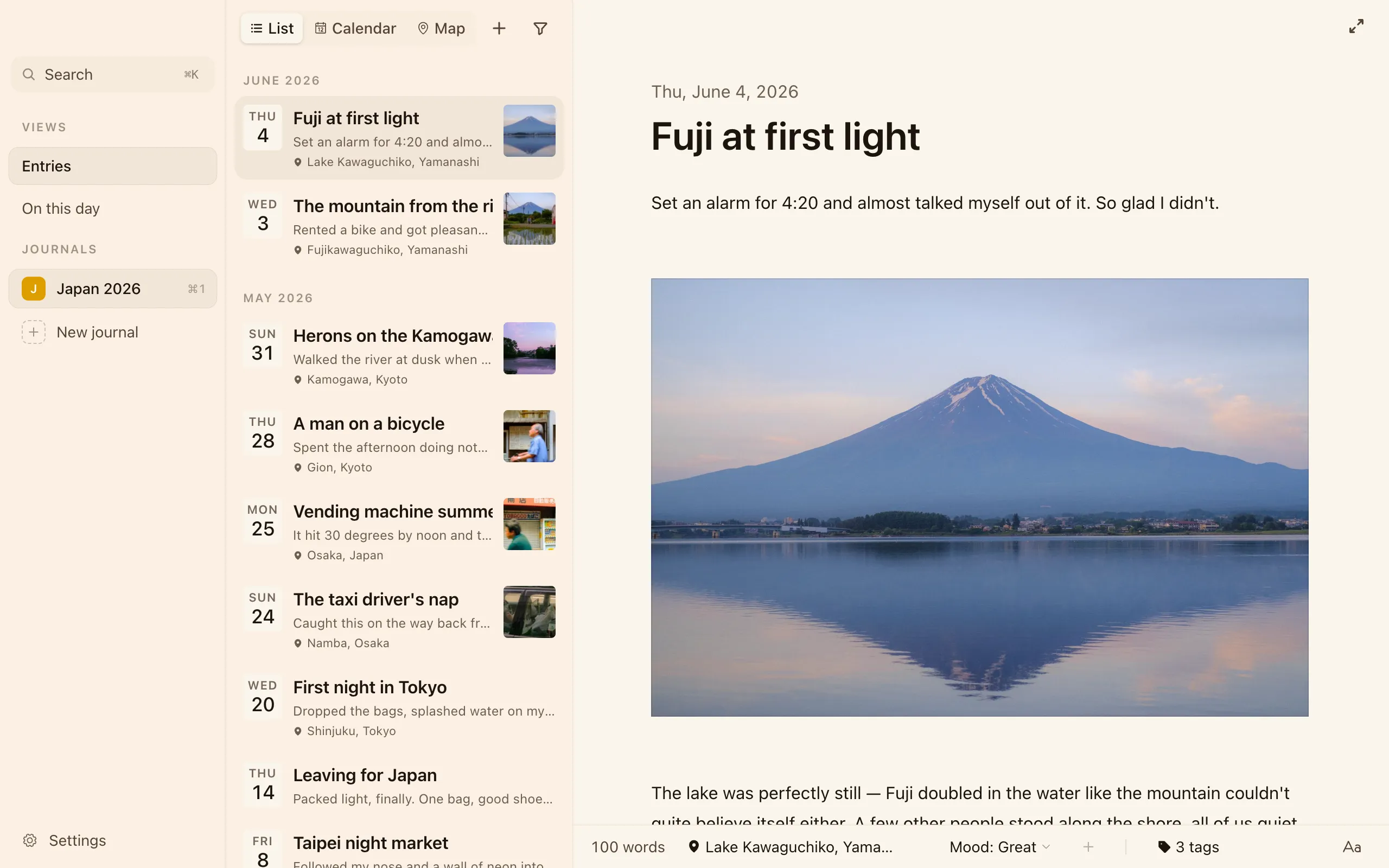
Adding media
Section titled “Adding media”Drag a file straight into an entry, or use the toolbar to insert one. Cozy handles:
- Photos, including iPhone HEIC pictures — they render on Mac, Windows, and Linux alike.
- Video, including iPhone
.movrecordings. Clips start playing right away and scrub smoothly when you drag the playhead. Nothing extra to install. - Audio, like a quick voice memo.
- YouTube clips, embedded inline. Click the poster to play; they won’t autoplay on you.
Photos and other media you add live right next to your entries in your journal folder, so your whole journal stays self-contained.
Moving and resizing
Section titled “Moving and resizing”- Move any photo, video, or audio to a new spot by dragging it within the entry.
- Resize an image by grabbing the little handle in its bottom-right corner and dragging to any width. Cozy remembers the size in the entry.
Galleries
Section titled “Galleries”Group photos into a tidy gallery instead of stacking them down the page:
- Right-click an image and choose Add to Gallery.
- Images line up together and flow into balanced columns at their natural shape, so tall and wide photos sit comfortably without being cropped.
Drag images inside a gallery to reorder them, or drag one out to make it standalone again. Pull out the last image and the gallery quietly disappears.
Choosing a cover
Section titled “Choosing a cover”For an entry with more than one photo, right-click the one you want and choose Use as Cover to set which image shows as the thumbnail in the sidebar. Leave it alone and Cozy uses the first image.
Video entries show their own first frame as the thumbnail, with a small play badge, captured right on your computer.