
Calendar & map views
However you remember things, by when or by where, Cozy has a view that helps you find your way back.
Calendar view
Section titled “Calendar view”See your entries laid out on a calendar, with photo days showing a thumbnail.
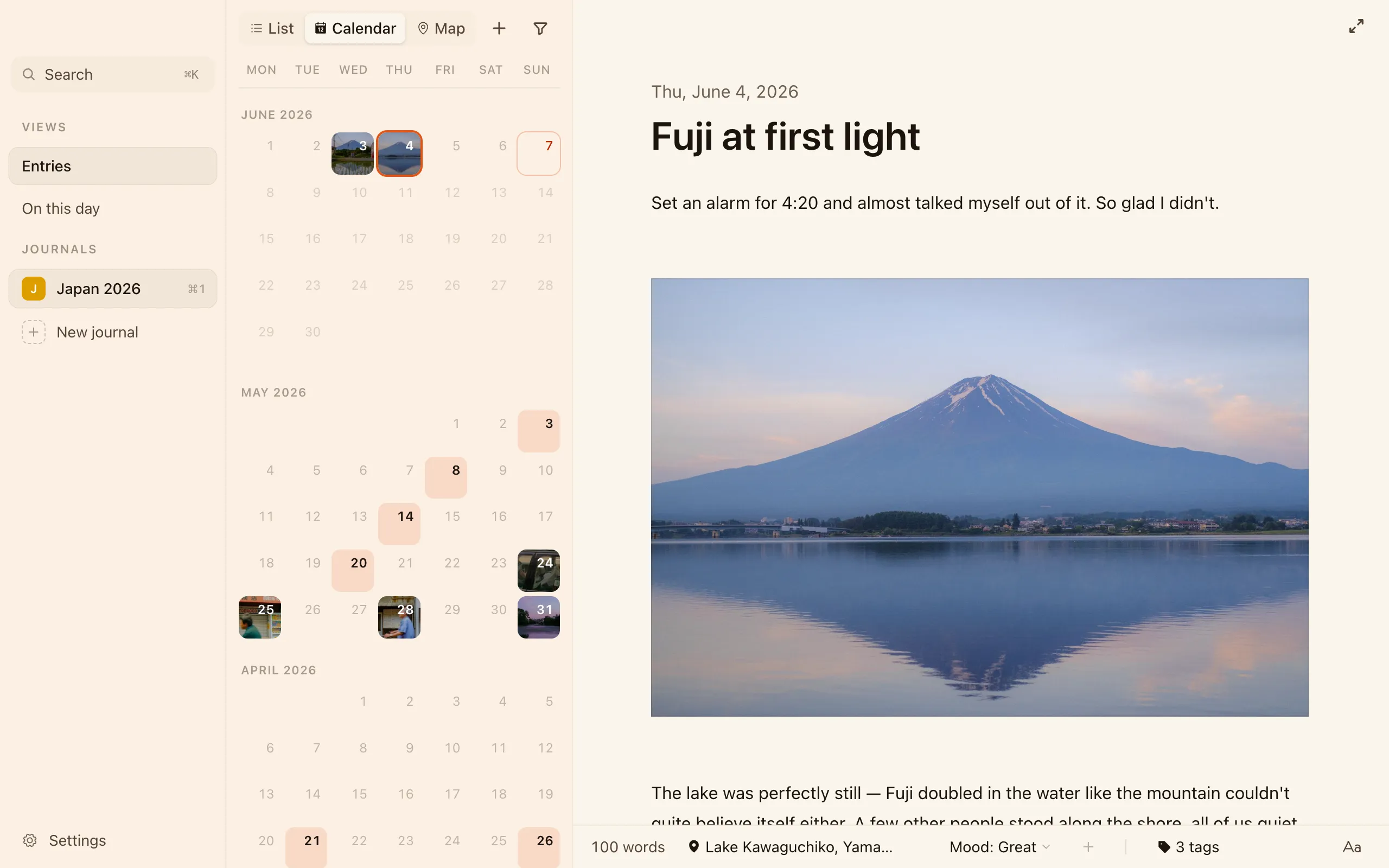
- Click a day with an entry to open it.
- Click an empty past day (or today) to start an entry for that date. Future days stay disabled.
- When a day holds more than one entry, a tidy sheet slides up listing them all, each with its thumbnail and a snippet, so you can pick the one you meant.
Map view
Section titled “Map view”If you’ve added locations to your entries, the map view pins each one to the place you wrote it.
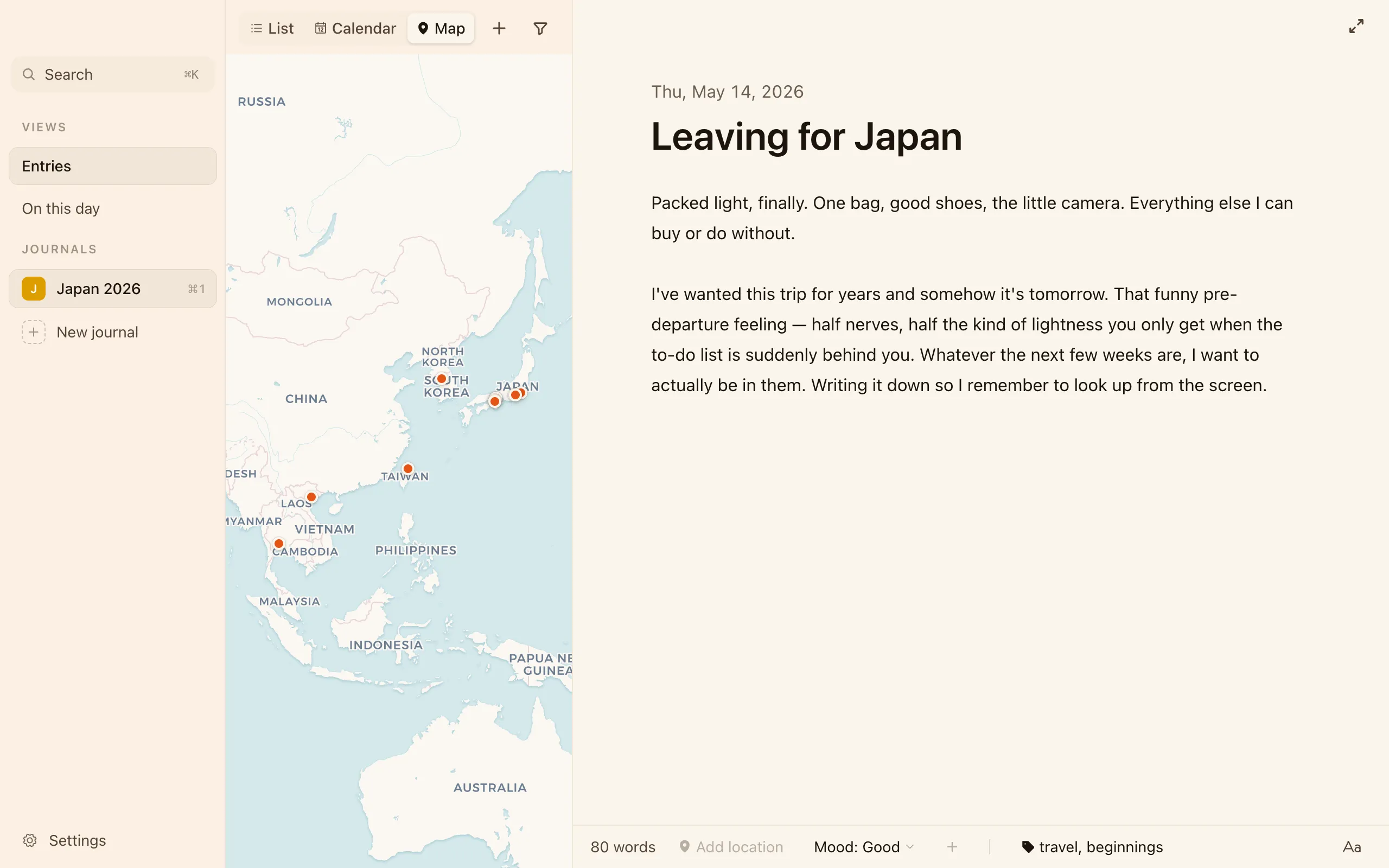
- Nearby entries cluster into a single pin with a small count badge (3, 12, 99+).
- Click a pin to open the entry, or, if it holds several, a short list of every entry pinned there, so you can jump straight to the right one.
Filtering
Section titled “Filtering”Both views, and your entry list, can be narrowed with the filter menu. Filter by:
- Trackers — pick one or more values from any tracker (Mood: Good, Weather: Sunny…).
- Tags
- Places
- Years
Stack several together, say Mood: Good + the travel tag + 2025, to land on
exactly the entries you mean.
On this day
Section titled “On this day”The On this day view gathers entries you wrote on today’s date in past years, so you can read back through the same day across your history. More on finding your way around in Search & On this day.