
Import from other apps
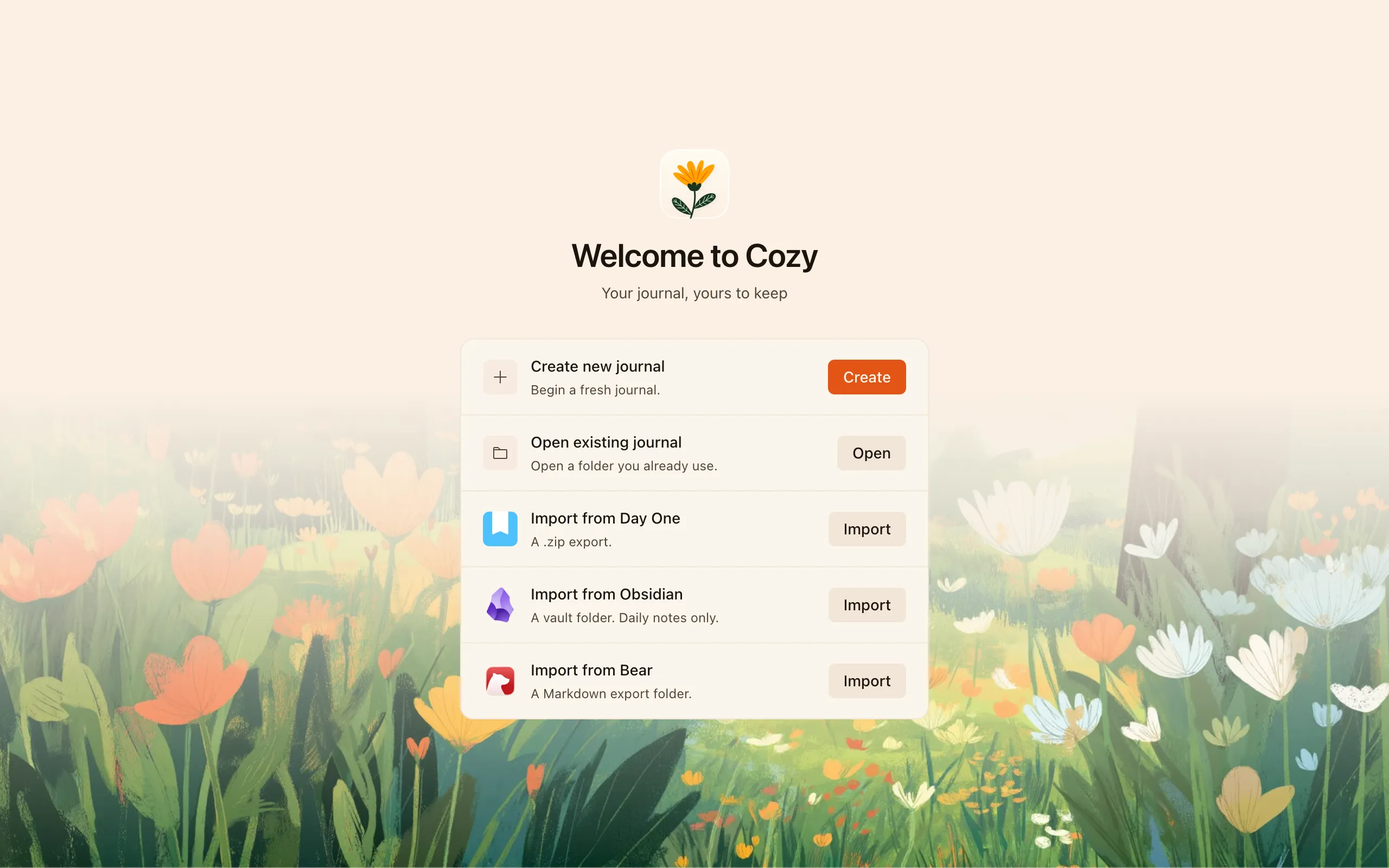
Moving from another app shouldn’t mean starting over. Cozy can bring your old entries in from a few places, so you keep your whole history.
Importing works the same on Mac, Windows, and Linux. No system tools required.
From Day One
Section titled “From Day One”Export your Day One journal as a .zip, then import that file into Cozy. Your
photos and videos come along with your entries.
From Obsidian
Section titled “From Obsidian”Import your vault folder. Cozy brings in your daily notes. Untitled daily notes show their date as the title rather than appearing blank.
From Bear
Section titled “From Bear”Export your notes from Bear as a Markdown export folder, then import that folder.
Starting the import
Section titled “Starting the import”From Cozy’s home screen choose Import an existing journal, pick the source, and select the file or folder to bring in. Cozy creates your new journal from it, and like every journal, it’s just a folder of plain files afterward.
Don’t see your app?
Section titled “Don’t see your app?”These are the import sources Cozy supports today, and more can be added later. If there’s one you’d like to see, let me know.