
Hello!
I hadn’t had a chance to work on this email until now. I wanted to send it at the beginning of the month and didn’t manage to, so, better late than never.
This past month I’ve basically been spending my time polishing both apps, the desktop and the mobile versions. You may have noticed some changes to the icons, the colors and the typography. I’m still not sure if this is the final version, but I’ll keep experimenting and see where it goes.
Anyway, here are some of the things I’ve been working on:
Media view

There’s a new button next to your entry list that lets you switch from your entries to a gallery showing all the photos and videos you’ve added to them.
Deleted entries wait 30 days
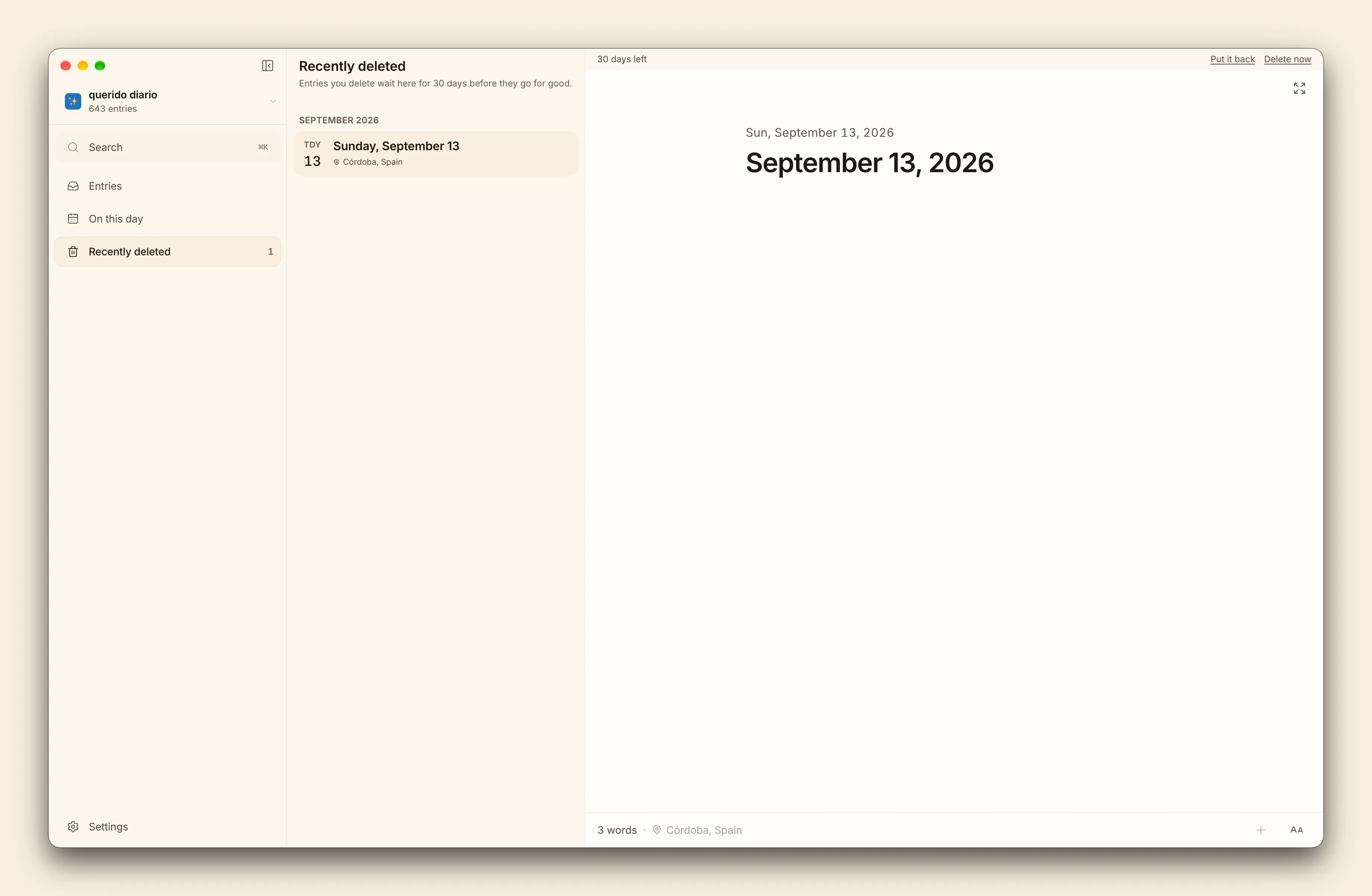
Nothing you delete disappears straight away. It goes to Recently deleted in the sidebar, where you can see how many days are left before it’s permanently deleted. You can also open it and read it there, photos and all, before making a decision.
Put it back where it came from, or delete it for good. Your call, just not by accident.
Cozy speaks Spanish
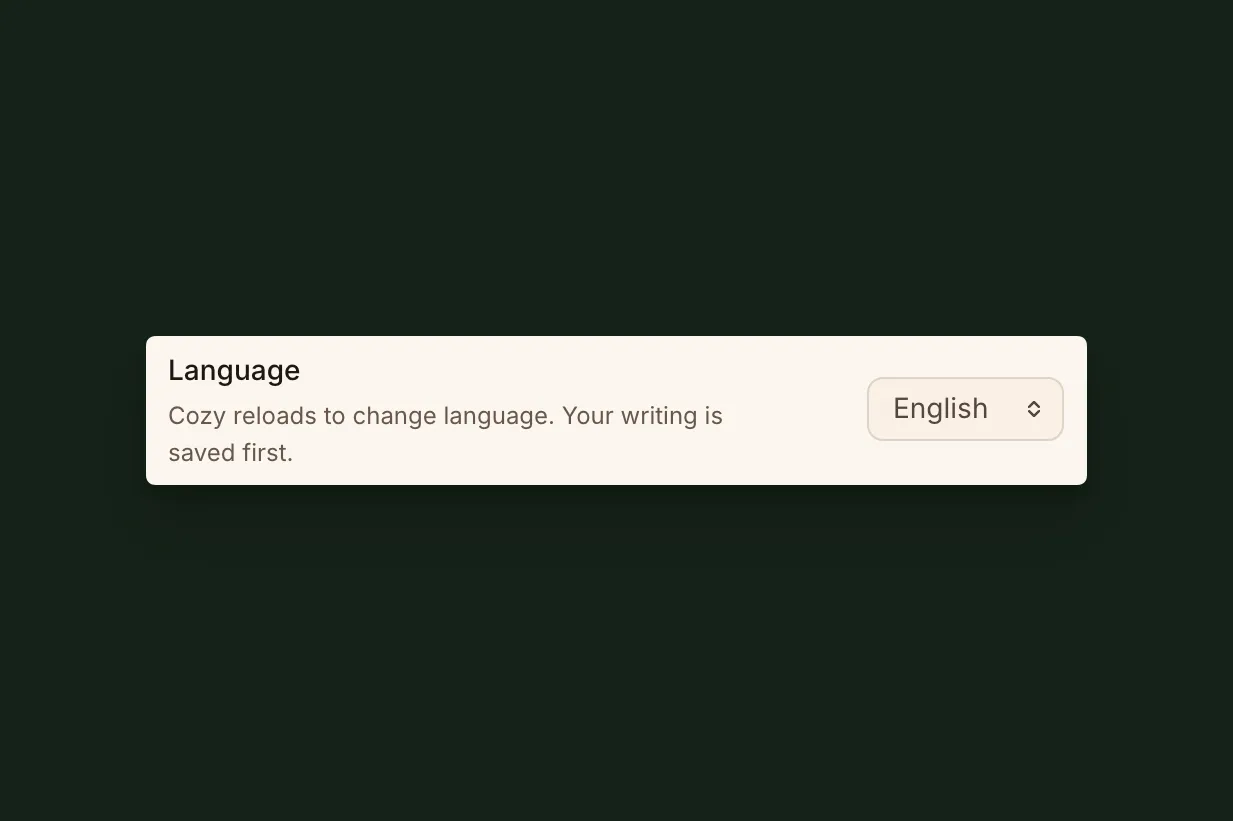
Cozy follows your computer’s language, menus included, and you can also choose a different one yourself in Settings.
I’m planning to add more languages. I just added Spanish because it’s the language I speak. If you’d like to see Cozy in a particular language, let me know and I’ll prioritize it.
Command palette search improved
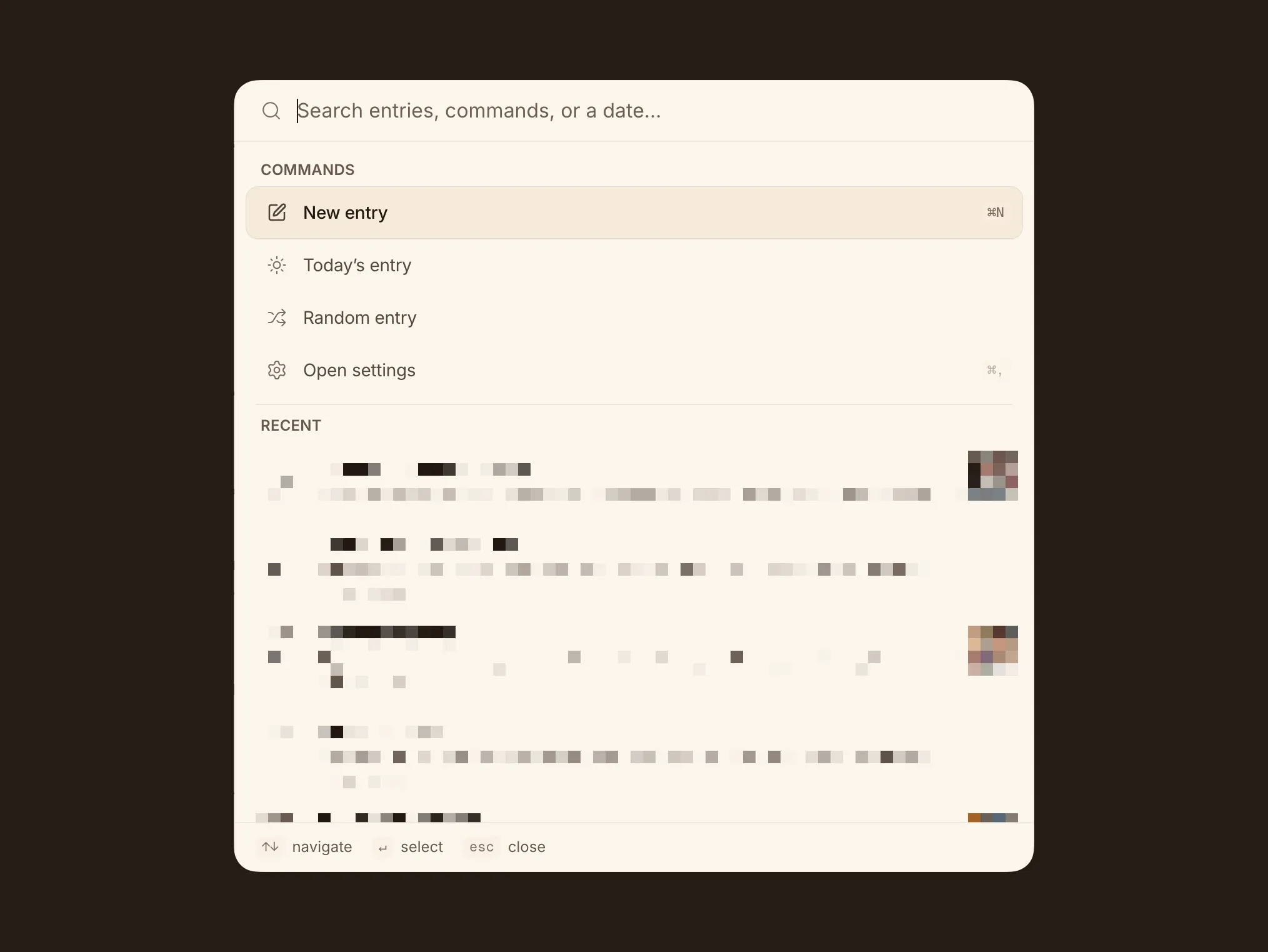
Search is now more reliable. I made it bigger, but more importantly, it works better with accents and special characters from other languages.
You can hide titles in the editor and in the list
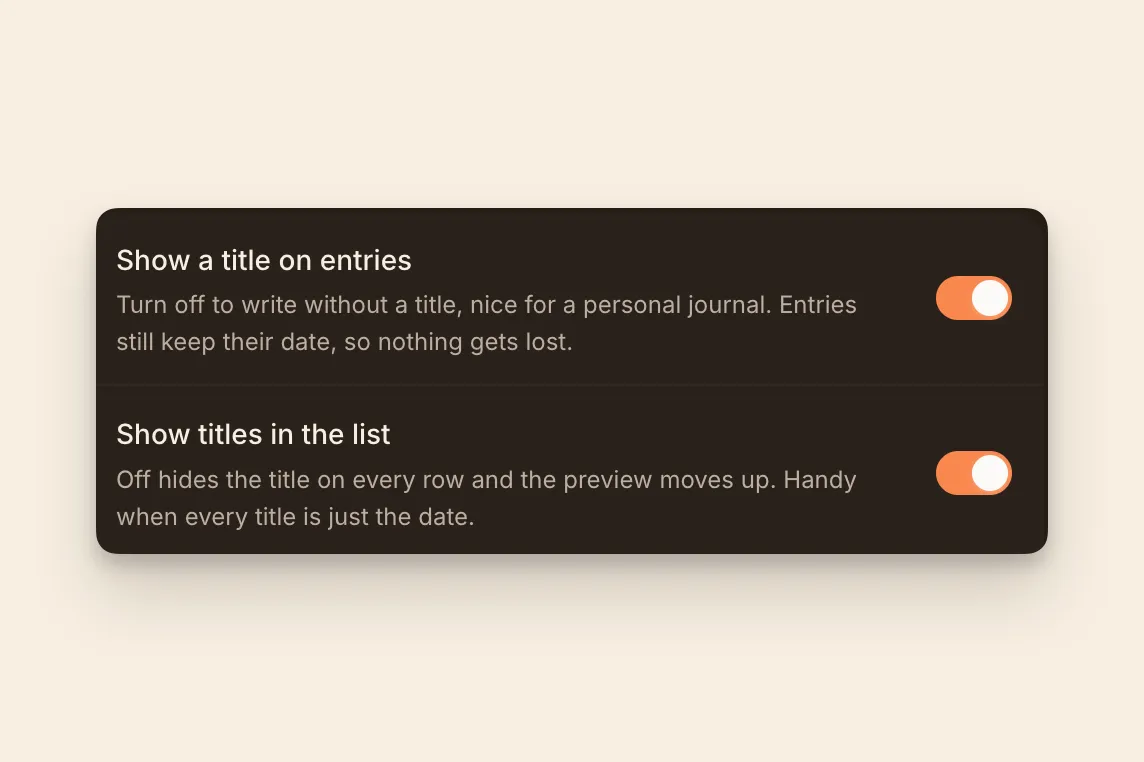
The first one was only available on desktop. Now both are included in the mobile and desktop versions, in case you never use titles and don’t really care about them.
Reorder your journals from your phone
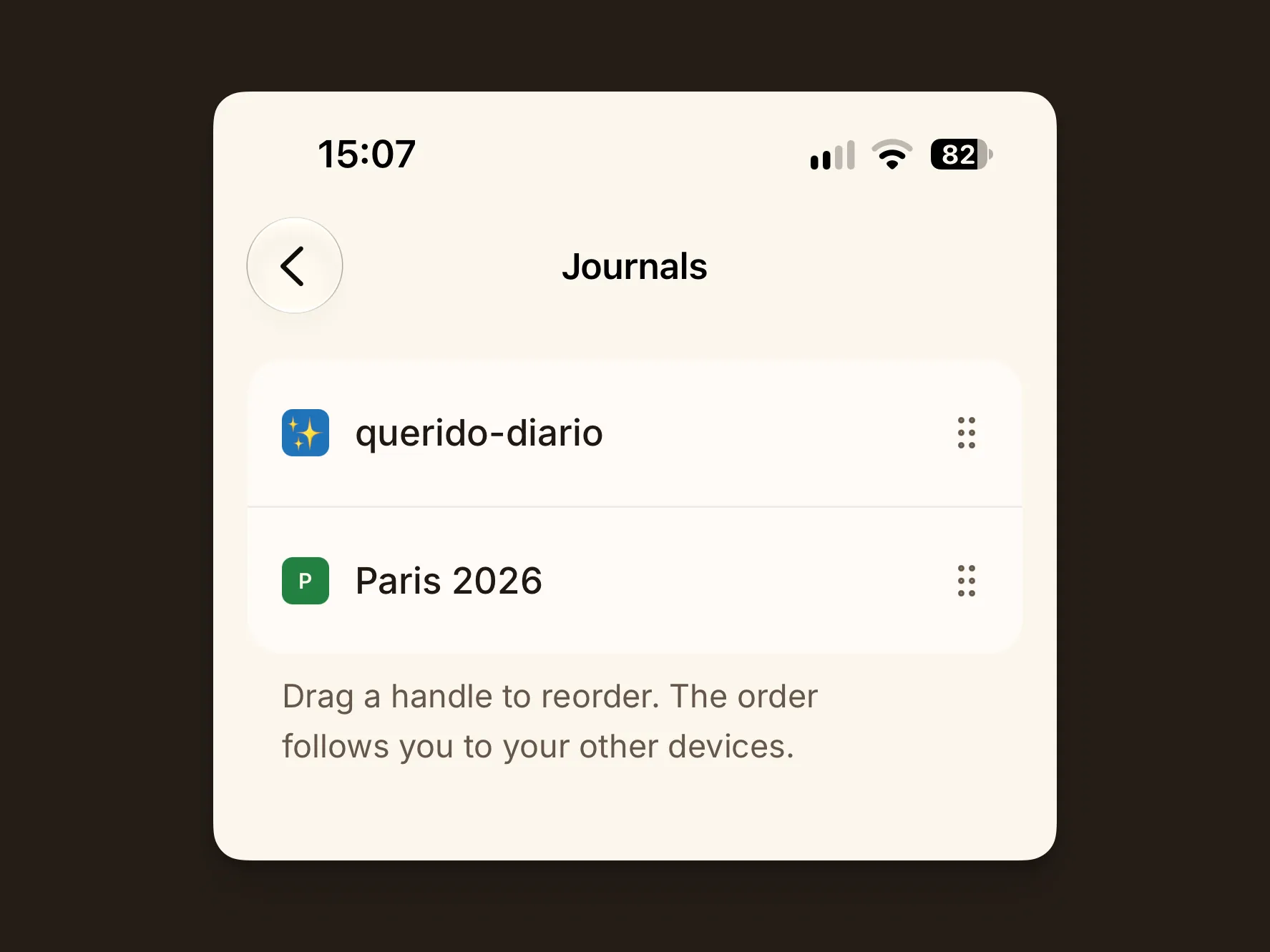
You can now reorder your journals directly from your phone, and the order stays in sync between mobile and desktop. That way you can keep the journals you use most at the top and get to them more quickly. The phone app began as a TestFlight beta in August.
Pick your text size
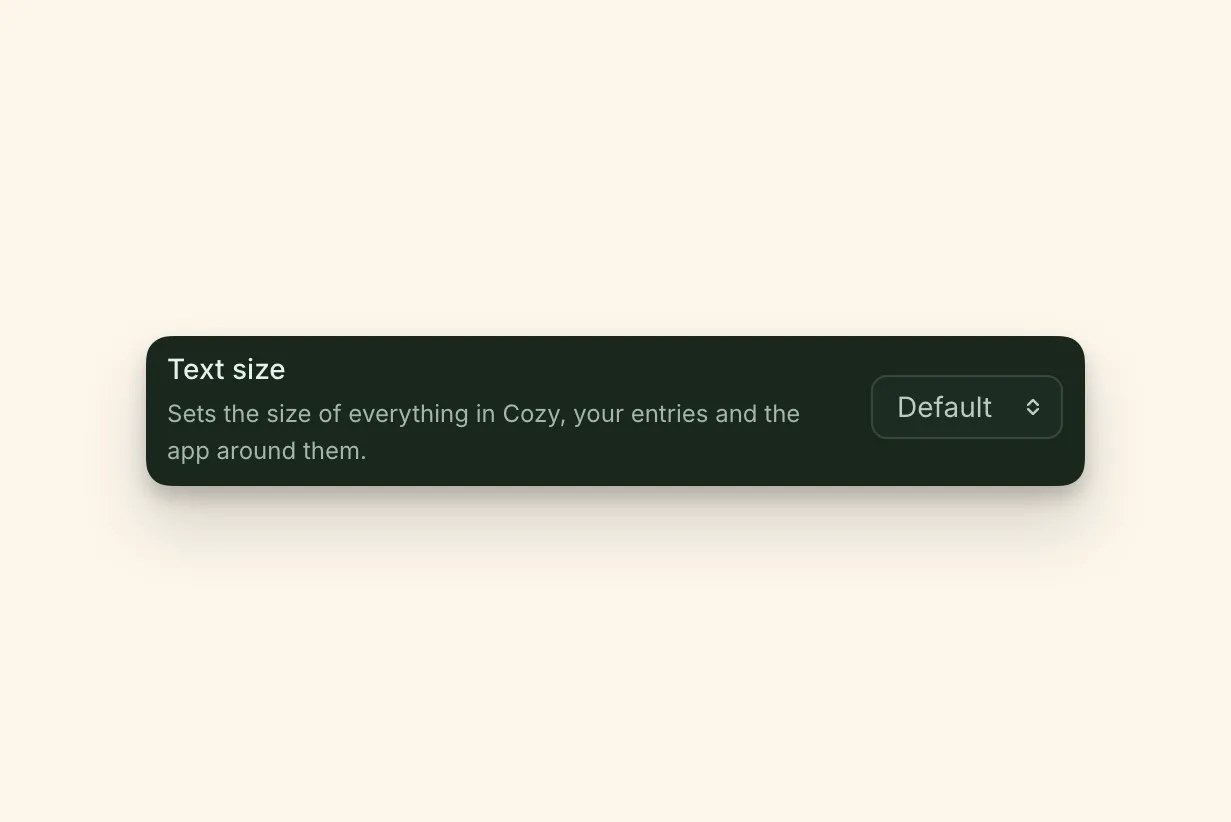
Settings > Entries now has five options, from Small to Largest. It scales everything in Cozy, not just the text on the page. Set it once and your preference follows your journal across all your devices.
A simpler Settings
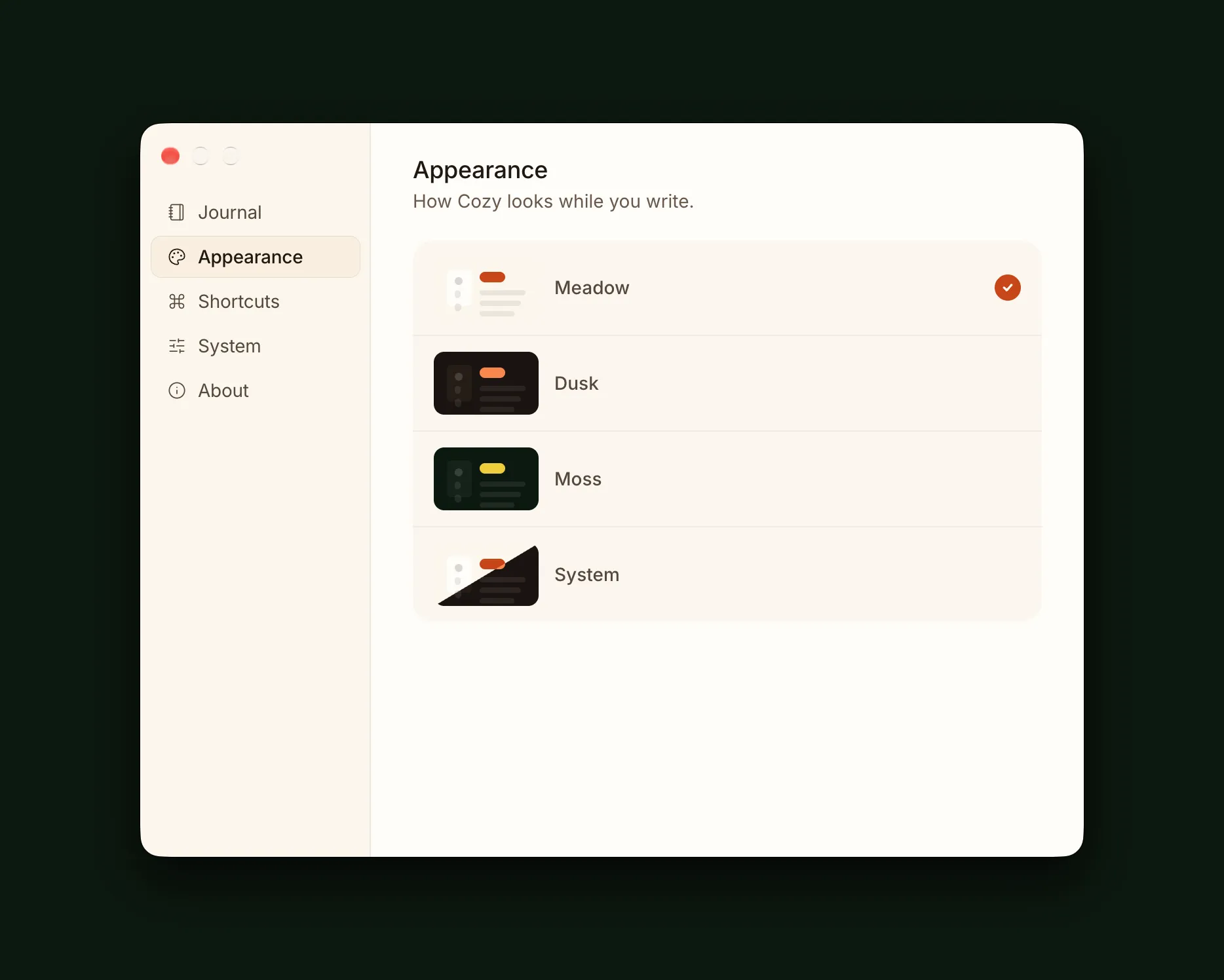
I redesigned Settings completely to make everything clearer and easier to find.
I also removed a few options that weren’t really important, just to clean things up and make Cozy feel more focused.
If there’s a setting you’re missing or would like to see, please let me know.
That’s all for now. If you want to find out about other things I’ve worked on, you can always check the changelog, where I share everything, or the docs.
If you have any questions or feedback, please let me know. I’m all ears.
Happy journaling,
Alberto
Missed the earlier round? What’s new on Cozy has the all-journals view, Notion import and the hideable sidebar.
The next round is out too: What’s new on Cozy this October has templates, reviews and a free week on iPhone.