
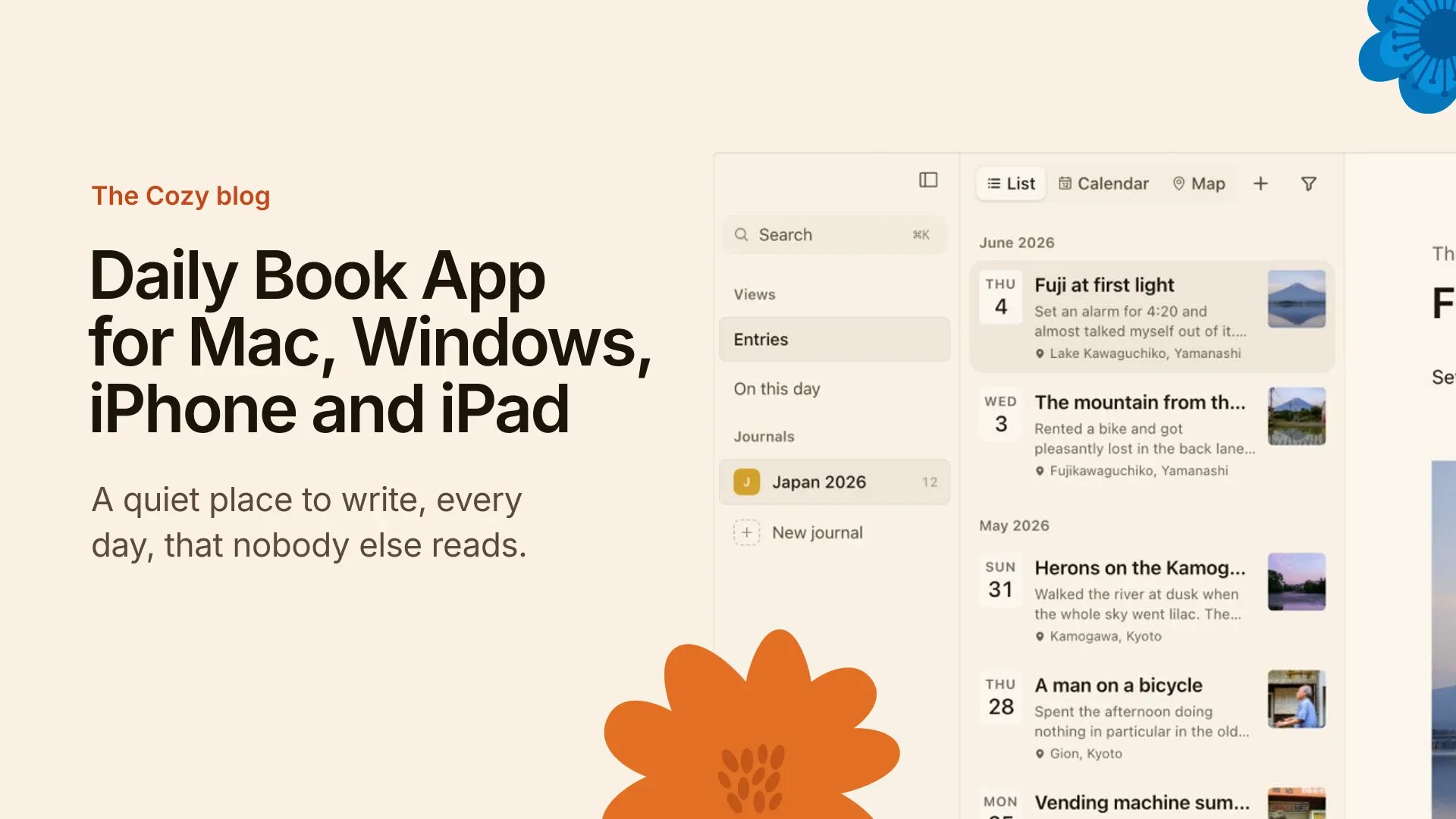
A daily book app for Mac is a private place to write each day. Cozy is a journal app for Mac that keeps your daily book on your own computer, as your own files, bought once. No AI reads it and nothing is sent anywhere. It’s a quiet place to write, every day.
What is a daily book?
A daily book is one place where you write something each day, in the order things happen. It isn’t a notebook for notes or a calendar for plans. It’s a record of the day itself.
The older word for it is a daybook, and if you want the history of that, what is a day book covers it. This page is about the digital version, and how to keep one that stays yours.
Why keep a daily book on your own device
Paper has one big thing going for it: nobody else can read it. It also can’t be searched, and it’s not with you when something is worth writing down.
Cloud journal apps fix the second problem and break the first. Your most private writing sits on someone else’s server, behind an account, often next to features that want to summarise it. A private diary shouldn’t work like that.
Cozy takes the permanence of the paper book and the convenience of an app. The entries are files on your own disk, so they outlast the app. If you’d like the longer argument, why Cozy has no AI is where I make it.
What to look for in a daily book app for Mac
Three questions sort most apps. Where do the entries live: on your disk, or on the company’s server? How do you pay: once, or every month? And does anything read what you write? A daily book is the most private thing you keep on a computer, so I would want the answers to be your disk, once, and no.
Cozy’s answers are the same on a Mac as anywhere else. The entries are your own files, you buy it once, and there is no AI in it. If you are comparing it with the built-in option, Cozy against Apple Journal goes through the differences.
Keep it simple, keep it yours
- Write. Open the app and write. There’s nothing to set up first, and distraction-free writing is the point.
- Your files. Every entry is a file on your computer or phone, readable without Cozy.
- Sync, if you want it. Several computers can share a journal through your own iCloud or Dropbox folder, and iPhone uses iCloud Drive. See sync.
- Find things. Search and a calendar view help you get back to a day.
- Add photos. Attach images to a day.
- Coming from Day One? Import your journal. If you’re weighing the two, Cozy against Day One is the long comparison.
How to start one
Keep the first week small. Write two or three sentences a day: where you were, one thing you noticed, how it felt. That’s an entry. A daily book works because you keep going, not because any single day is good.
Pick a time you already have. Last thing at night, or with the first coffee. If you miss a day, skip it and write the next one. Nobody is checking, and a gap is part of the record too.
If the page feels empty, journaling prompts give you a question to answer, and how to write a diary entry walks through one from start to finish.
What you need
Cozy runs on Mac, Windows, iPhone and iPad. It’s a one-time purchase, with no account and no subscription. Students and educators get 40% off.
Questions people ask
What is a daily book?
A daily book is a single place where you write an entry each day. It sits between a diary and a log: part memory, part record. You can keep one on paper or in an app. Most people want it to be private, easy to open and easy to search later.
Is there a free journal app for Mac?
Yes. Apple Journal is free but tied to your Apple devices, and Obsidian is free but you build the journal yourself. Cozy is not free: you can try it on Mac, then it is a single purchase. For the side-by-side, see Cozy against Apple Journal.
Is Cozy a subscription?
No. You buy Cozy once. There’s no account and no subscription. The app keeps working, and your entries stay as your own files on your own disk, readable without Cozy. For what it costs today, see the pricing section on the home page.
Where is my data stored?
On your device. Every entry is a file on your own disk, and nothing you write is sent anywhere. If you want a journal on more than one computer, you can point Cozy at your own iCloud or Dropbox folder. iPhone uses iCloud Drive for the same job.
Can I use it on my iPhone and Mac?
Yes. Cozy runs on Mac, Windows, iPhone and iPad. Your journal can follow you between them through your own iCloud or Dropbox folder, and the iPhone uses iCloud Drive. Cozy doesn’t run its own sync service, so your entries stay in places you already control.
Can I import from another journal app?
Yes, from Day One. Export your journal there and bring it in through Cozy’s import, and your entries become files on your own disk. The import guide walks through it step by step, including what carries over.
What’s the difference between a daily book and a journal?
Not much. A journal can be about anything and written whenever. A daily book is the habit: one entry a day, kept in order. The words overlap, and Cozy works for both. Write a line or a page, and miss a day without it mattering.
Do you have AI writing features?
No, and I won’t add any. There’s no AI in Cozy. Nothing you write is read, trained on or sent anywhere. That’s the product, not a setting. Your files are plain, so you can still share them with any tool you choose.
If you want the same few lines waiting each day, a template in Cozy does that.
Made by Alberto Gallego, the one person behind Cozy. About me. Latest changes are in the changelog.